
Teams now gives meeting organizers and presenters a new control to turn Meeting AI, including Copilot and Facilitator, on or off while a meeting is in progress. The control appears in the meeting toolbar for scheduled meetings, so users no longer need to decide in advance whether AI should be active for the entire meeting.
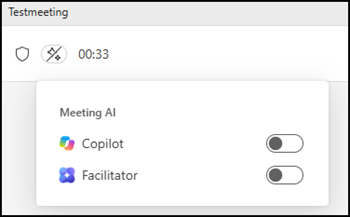
This toggle should give users more flexibility during meetings.
- They can keep AI running when a discussion is worth capturing and turn it off when the conversation moves to a sensitive topic.
- When Meeting AI is turned off, Copilot and Facilitator stop responding, and Copilot creates no new notes. Recording and transcription stop at the same time, so nothing further is captured. Content generated earlier in the meeting remains available.
- A status indicator shows all participants whether Meeting AI is currently active.
Meeting AI and transcription are linked.
When an organizer or presenter turns on Meeting AI, transcription starts automatically, and Meeting AI creates a recap after the meeting. Likewise, starting transcription also turns on Meeting AI. To keep AI out of a meeting entirely, both Meeting AI and transcription must stay off.
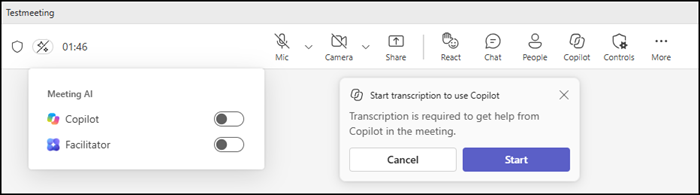
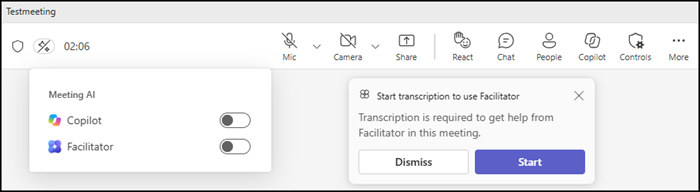
The new control is available to organizers and presenters who already have a Microsoft 365 Copilot license and the relevant Meeting AI features enabled through Teams meeting policies. The control appears only in meetings where Meeting AI is allowed (controlled through the meeting options). Meeting options configured before a meeting continue to apply as before.
The rollout was previously scheduled for June, then postponed, and should now be available in Teams desktop, web, and mobile.
