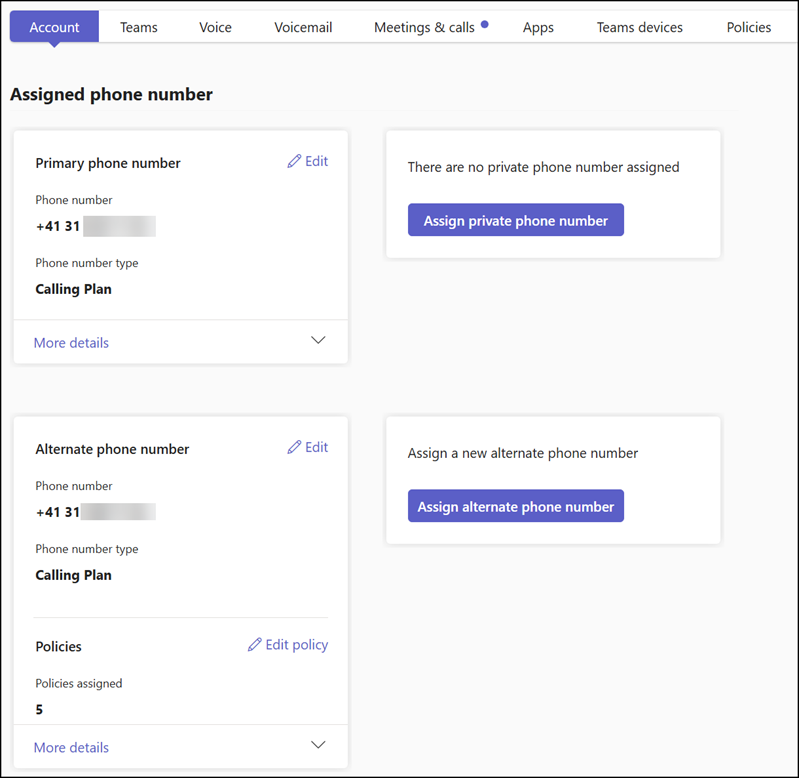
As posted in May, Teams Phone administrators can add up to 11 phone numbers to a Teams account: one primary, one private, and nine alternate.
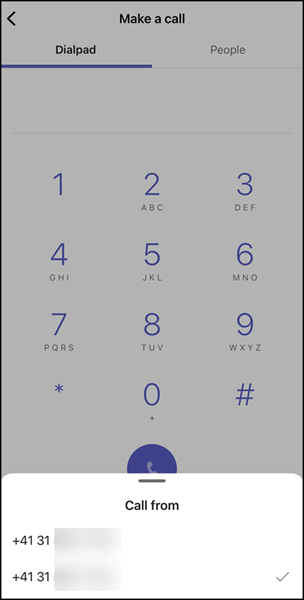
When I tested this feature in May, users could receive calls to a multi-line number on Teams Mobile, but they could not yet select it for outbound calls. This capability is now available in Teams Mobile.
Users can select the alternative numbers in the call app. As on desktop, they select the small option next to their number to open the assigned numbers, then select the number to call from. Teams saves the selection for the next call, so users should remember to update the outbound number if needed.
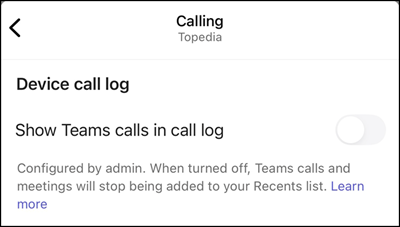
The outbound number is also stored in the call history, unless disabled by the user or a Teams administrator.