
Starting 1 June 2026, Microsoft will stop sending email notifications to inform users that their Teams meeting recordings are about to expire or have been deleted.
*************
Updated 30 April 2026:
Microsoft has paused the rollout and will communicate further when it is ready to proceed.
Updated 7 June 2026:
Microsoft will not disable Teams Meeting recording expiration emails by default, as initially planned. A new SharePoint tenant setting lets admins disable the notifications if needed.
*************
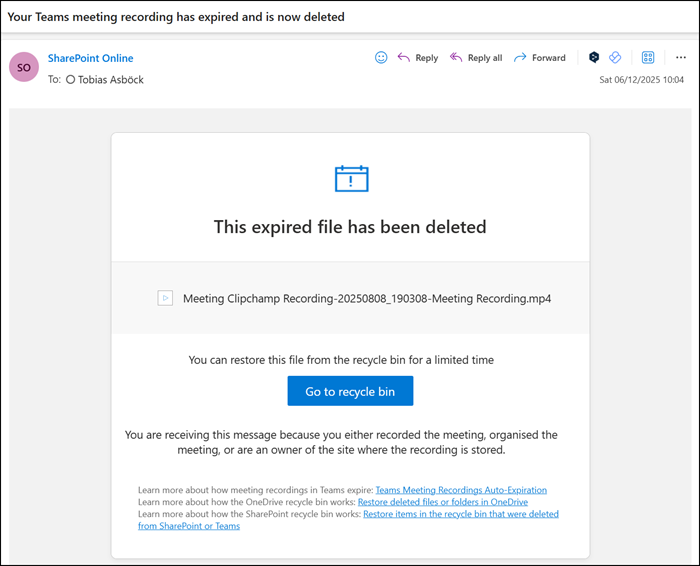
This update affects emails like the sample below.
When a meeting is recorded, it is deleted after the defined expiration period. The default period is 120 days. SharePoint currently notifies users shortly before a recording is deleted and again after it has been deleted.
Microsoft’s decision to stop these notifications follows customer feedback showing that the emails generated high message volume with little engagement. The alerts are being removed to cut unnecessary notification noise and improve the overall quality of communications users receive.
- Only the email notifications are being removed.
- The underlying recording expiration and deletion policies remain fully in place and continue to work as configured.
- Recordings will still expire and be deleted according to existing retention settings, but users will no longer receive advance email notice.
- Microsoft plans to introduce a new Teams setting allowing organizations to re-enable these expiration emails if needed.
