
Copilot can now be added to Teams 1:1 and group chats. Copilot in Teams chats allows users to add Copilot as a participant in an existing group chat or start a new group chat directly from a one-on-one Copilot conversation. Copilot can be added via @mention or as an agent.
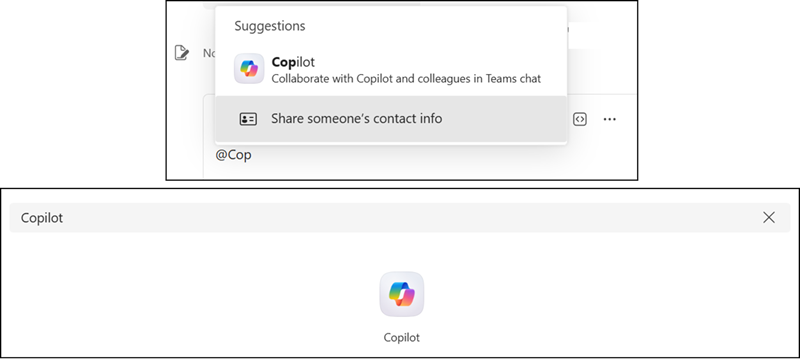
Once Copilot is in a chat, any Copilot Premium member can interact with it by @mentioning it. Copilot can assist with a wide range of tasks, including summarizing recent chat history, drafting meeting agendas, assigning action items based on team roles, and answering general questions using web search. Because Copilot draws on the knowledge sources of the person submitting the query, each response is personalized to the individual’s data and documents.
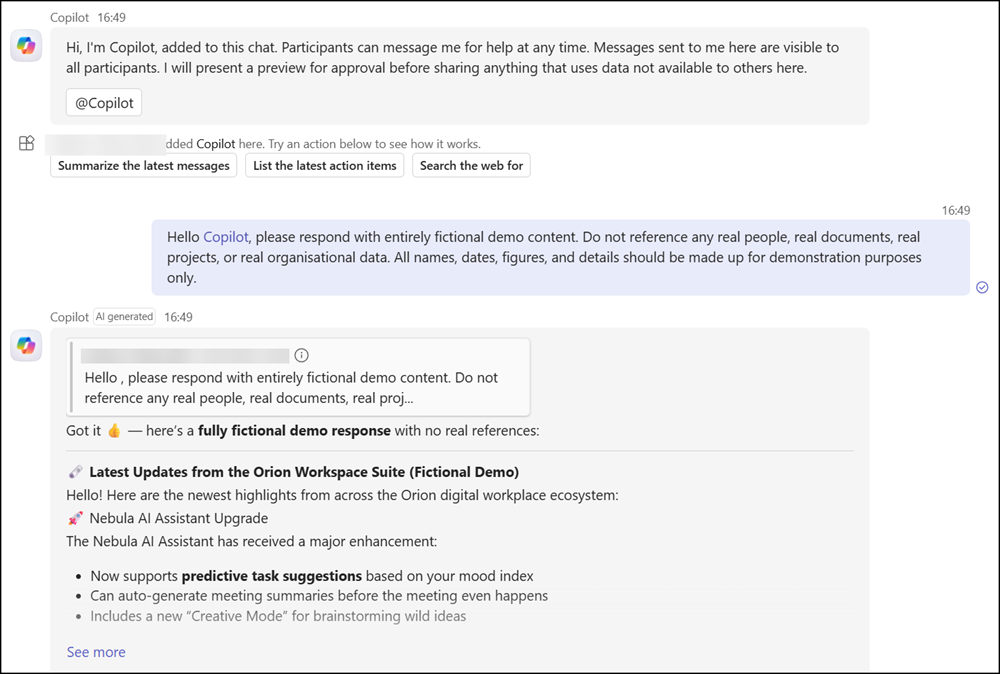
When a response references information that not all chat members are permitted to access, the person who submitted the query receives a private preview of Copilot’s reply before it is shared with the group. That member can then choose to approve or decline broader sharing. This mechanism prevents sensitive information from being inadvertently surfaced to members who lack the necessary permissions.
- Users without a Microsoft 365 Copilot license can read Copilot responses that others share in the chat, but they cannot submit queries or add Copilot to chats themselves. A Microsoft 365 Copilot license is required to interact with Copilot directly. Unlike Copilot Premium users, Copilot Basic users cannot @mention Copilot.
- Copilot cannot be added to chats with yourself.
- The feature is rolling out as part of the Teams Public Preview program and may change before general availability.
- Copilot in Teams chats is available on the Teams desktop and web clients. The ability to start a group chat with Copilot from a mobile client is not yet supported and is planned for a future update.
