
Microsoft has likely published an Outlook Mail app for Teams by mistake, using the wrong name or mixing it up with the new unified Teams Events experience.
Since Microsoft announced the unified Teams Events experience, I found an Events app in Teams.
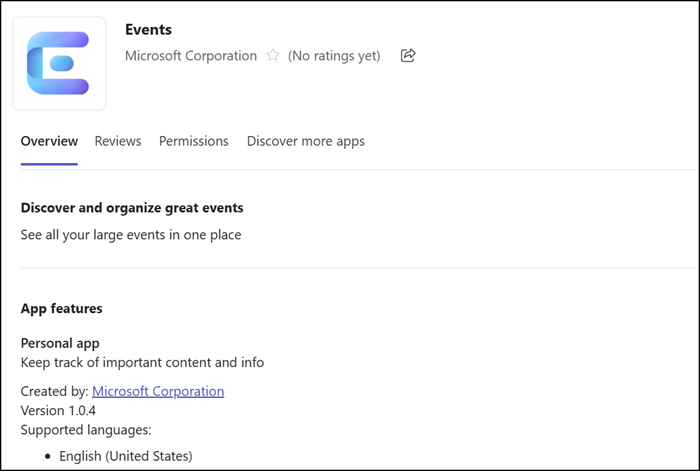
As expected, it is also available in the Teams Admin Center. The app has the ID 260f432d-8a76-46c2-bf48-0f0748ac3eba.
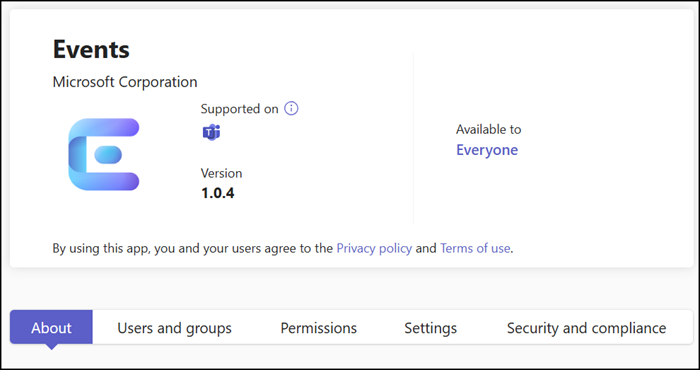
Until now, I assumed this app would soon include the unified Teams Events experience.
The app had always returned an Outlook error. But now the error is gone, and the app opens Outlook Mail instead.
You have full control over your emails, including shared mailboxes, just as in the new Outlook or Outlook on the web.
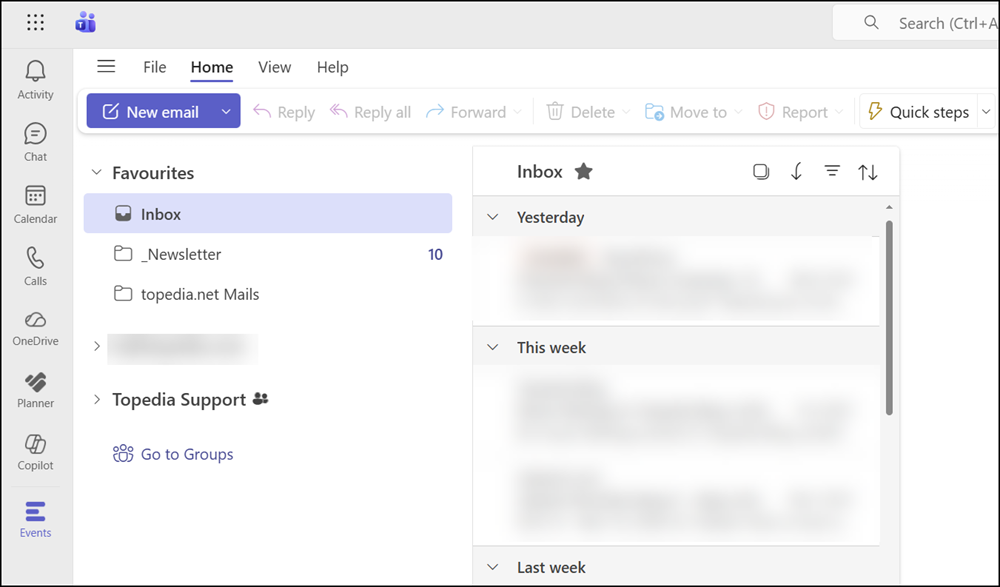
You can send new emails and reply to messages from your personal mailbox, and manage emails in a shared mailbox using delegated access. And not to forget, Copilot is also available.
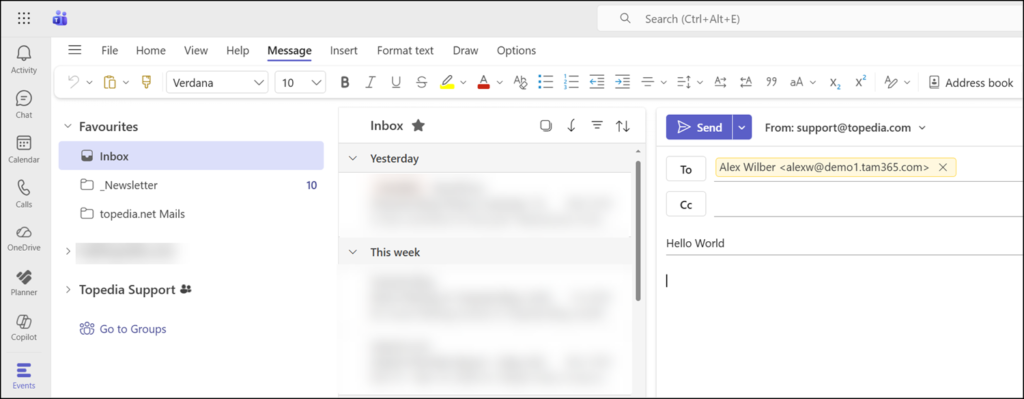
Either the app has the wrong name, or Microsoft has mixed it up with the Teams Events experience. The app is not available in many other tenants.
I would not be surprised if the app is pulled soon, as this deployment does not look intentional, at least for my tenant. Maybe it’s part of an experiment.
