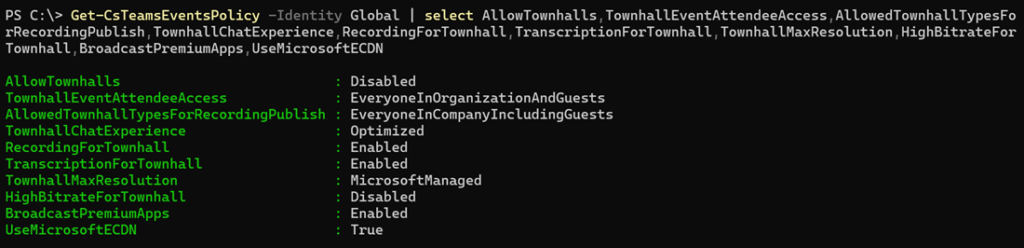
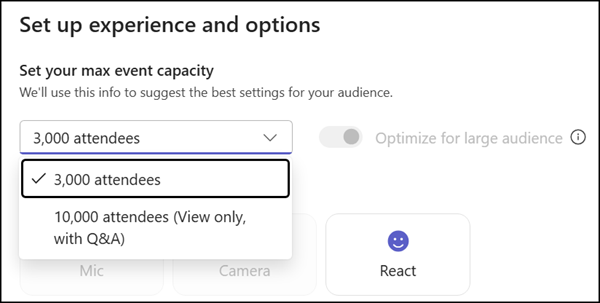
Recently, when I tested webinars in Teams again, I ran into an issue: Teams wouldn’t let me schedule a regular event with up to 1,000 attendees.
The Teams Events app showed me these options.
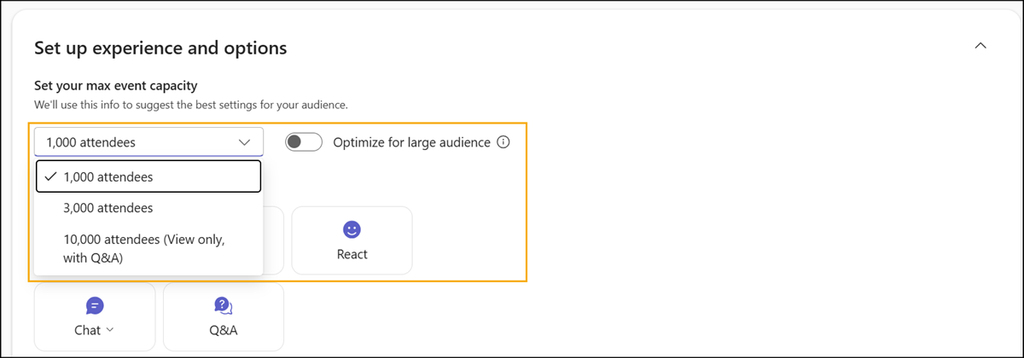
These are the options I expected (the default options).
Two Microsoft Learn articles describe the cause (here and here, both with the same info).
Your existing Teams webinar and town hall policies continue to apply, so admins can control who can create events and which capabilities organizers can use without adopting a new policy model. Interactive events up to 1,000 attendees use webinar policy settings, while events optimized for large audiences use town hall policy settings.
A check of the Teams Events policy confirms the situation: Webinars are disabled. That is the cause why the user cannot schedule regular events with up to 1,000 attendees.

In a second test, I disabled both event types, webinars and town halls.

As a result, users cannot create any events. All event templates are hidden. Users can edit their existing events
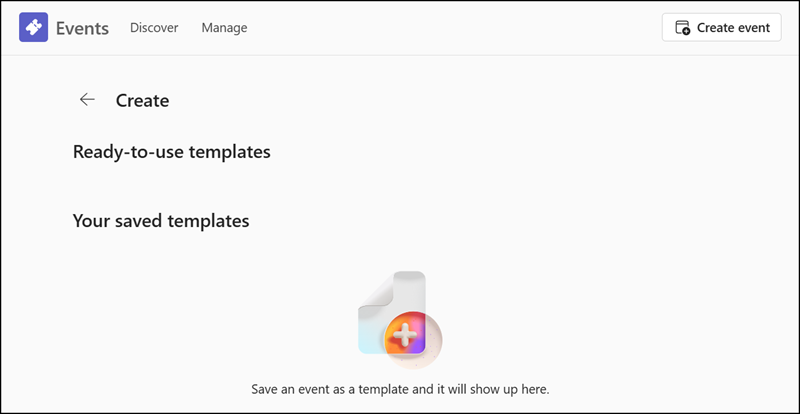
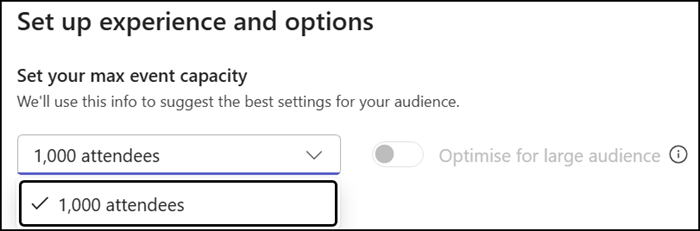
In a third test, I allowed webinars but disabled town hall events.

This is the opposite of the first case: Users can schedule events with up to 1,000 (interactive) attendees, but not large audience events. Large audience events can have more than 1,000 attendees and are classified as town hall events.
Two additions:
- Microsoft updated the user experience of AllowWebinars and AllowTownhalls in the Events app since July (in a positive way). The results were different when I tested the same cases in July.
- Don’t forget the other town hall and webinar settings. The existing policy settings still apply in the Events app.