Outlook offers a new condition for Inbox rules, letting users create rules based on whether a message came from outside their organization. This new rule condition builds on the existing external sender tag that already appears next to messages from outside contacts, giving users a way to act on the information automatically.
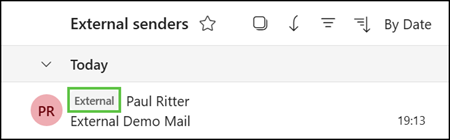
Users can now set up new Inbox rules to move external messages into a specific folder, apply a category, or otherwise prioritize them, making internal and external communication easier to distinguish. This can be especially useful for people who receive a high volume of email and want a faster way to spot messages from outside contacts, clients, or partners without manually reviewing each one.
Create or edit an Inbox rule in Outlook and select the “Marked with External” condition.
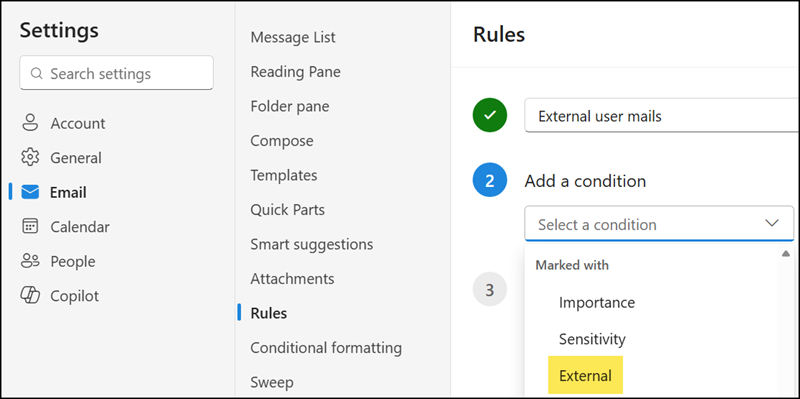
The new rule condition is available to users with an Exchange Online service plan in Outlook on the web, the new Outlook for Windows, and Outlook for Mac.
Important:
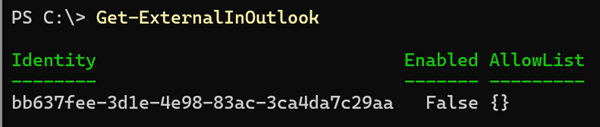
The rule condition requires the external sender tagging feature. This rule does not work if an Exchange administrator has disabled or not configured the ExternalInOutlook configuration.