
Microsoft has changed how start dates and due dates work together on Planner tasks.
Previously, Planner required a task’s due date to fall on or after its start date and automatically adjusted one date whenever the other changed.
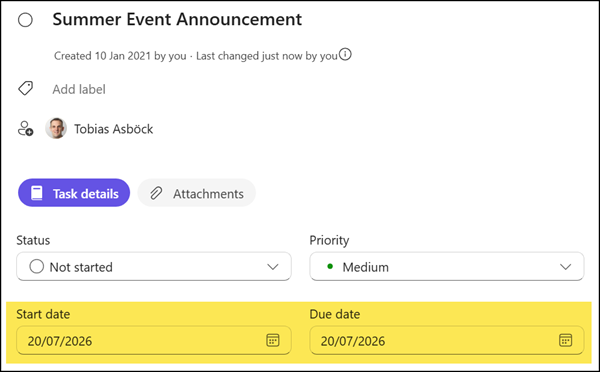
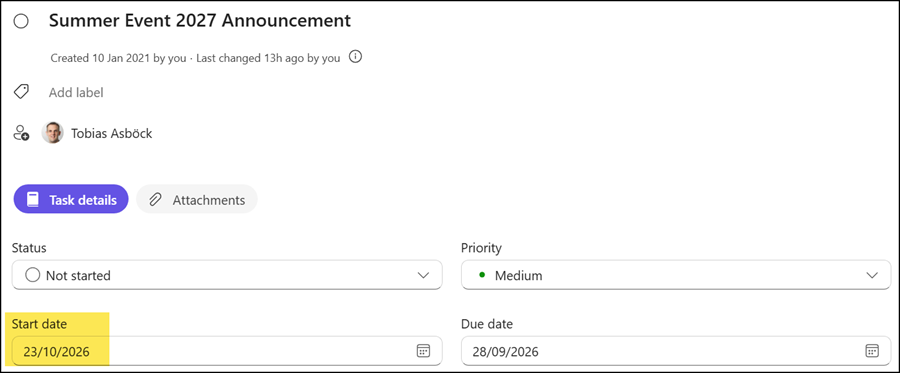
With this update, that restriction is removed, giving users more freedom when planning their work. Users can now set a start date after the due date, or a due date before the start date, without Planner correcting it.
In Planner in Teams and in the Planner web app, changing one date no longer automatically shifts the other, so users can manage each date independently based on how they actually track a task.
Note:
Some Planner clients may continue to enforce the previous date ordering for a short time while the update rolls out more broadly.
