
Microsoft has released the Microsoft 365 Admin Agent to general availability for users with a Microsoft Entra built-in administrator role.
The agent should provide a unified AI-powered administrative experience across the Microsoft 365 admin center and Microsoft 365 Copilot Chat, letting administrators discover, configure, troubleshoot, govern, and manage Microsoft 365 services through natural language.
- The agent is available by default to all users assigned a Microsoft Entra built-in administrator role (for example, Global Administrator, AI Administrator, Teams Administrator, SharePoint Administrator,…).
- Actions available through the agent are governed by the administrator’s existing Microsoft Entra role assignments.
- The admin account does not require any license, such as Microsoft 365 Suite or Microsoft 365 Copilot licenses.
Timeline
The Microsoft 365 Admin Agent is generally available.
How does this affect your administrators?
With the release to general availability, the Microsoft 365 Admin Agent was promoted to a Microsoft-managed agent. A Microsoft-managed agent is pre-installed for all eligible users and cannot be controlled through the availability settings.
It’s the fourth Microsoft-managed agent, alongside Researcher, Analyst, and Planner agent. For the Microsoft 365 Admin agent, the prerequisite is a Microsoft Entra built-in administrator role. Unlike the other three managed agents, a Copilot license is not required.
What is the Microsoft 365 Admin Agent?
The Microsoft 365 Admin agent is an assistive, agentic experience that helps IT administrators operate Microsoft 365, Microsoft 365 Copilot, and agents at AI scale. Built on the Agent 365 Platform SDK and connected to multiple Model Context Protocol (MCP) servers, the Microsoft 365 Admin agent shifts administrative work from manual configuration to intent-driven, observable, and governed operations.
The Microsoft 365 Admin agent helps admins perform tasks across different Microsoft 365 services via a single unified surface in Microsoft 365 Copilot Chat, using natural language interactions, contextual guidance, and proactive suggestions to discover, configure, troubleshoot, and manage Microsoft 365 services. Existing role-based access control (RBAC) assignments in Microsoft Entra ID govern the actions admins can take through the agent.
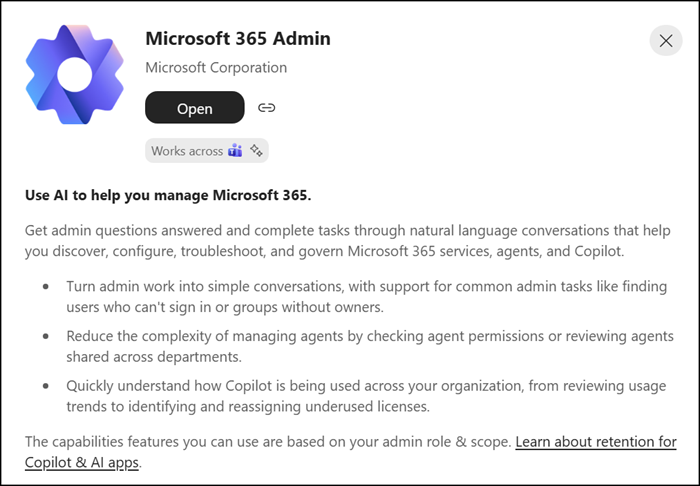
Administrators can start a task in one interface and continue it in the other without losing conversational context. For example, an administrator can ask who the unlicensed users in the organization are, then continue in the admin center to assign a license.
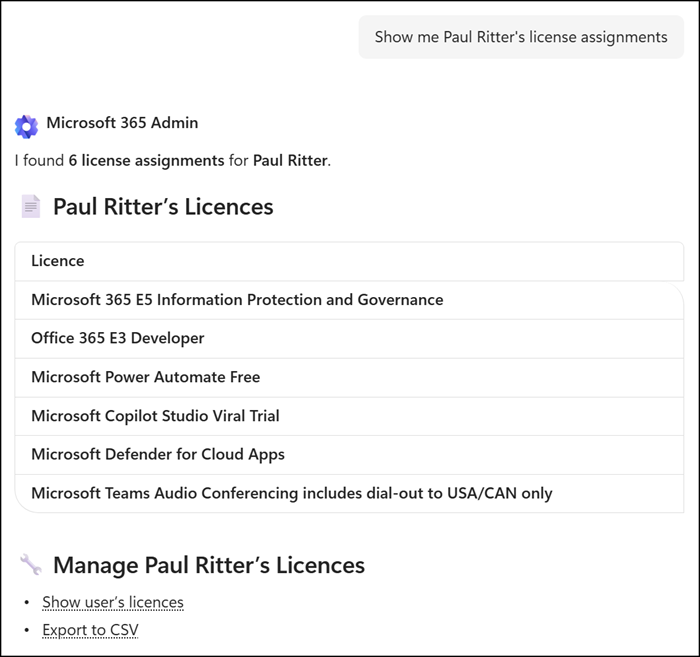
However, the agent is not capable of fulfilling extended requests.
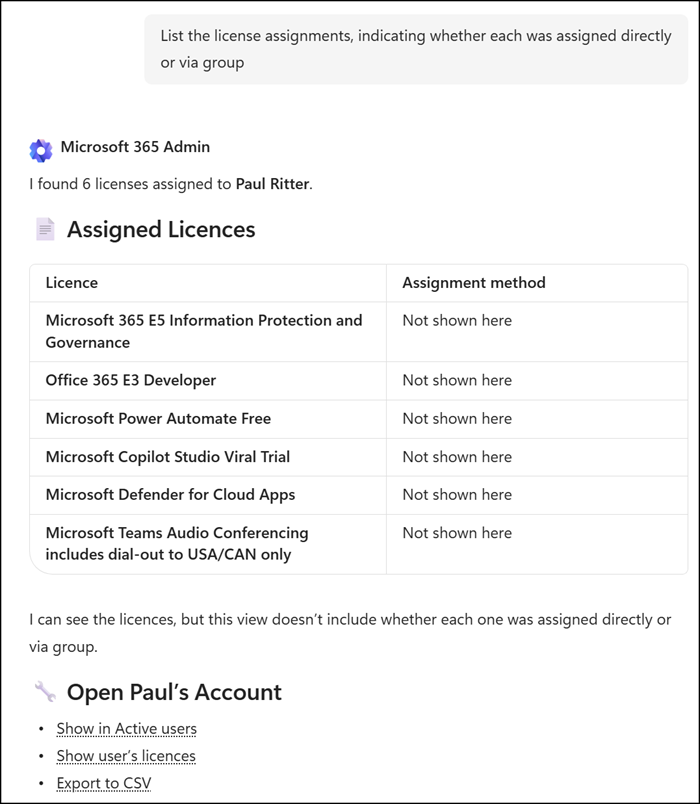
Administrators can use the agent for tasks across several areas:
- User, license, and group management: view users, assign or review Copilot and other licenses, and identify groups without an owner.
- Copilot management: assess Copilot readiness, review or change Copilot settings, and manage AI subprocessor availability.
- Agent management: discover agents in the registry, view agent details and usage, block or deploy agents, and manage agent access and sharing.
- Change management: summarize Message Center activity and service health.
- Help and support: get self-help guidance and review support ticket status.
- Teams administration: troubleshoot Teams chat policy issues and analyze call and meeting quality.
- Identity and other admin scenarios: check tenant details, authentication methods, and self-service password reset status.
Any write or execute action proposed by the agent requires explicit administrator confirmation before it is performed. The agent never makes changes to the tenant on its own (but you never know).
Expect this agent to be a rather time-intensive and try-and-test experience.
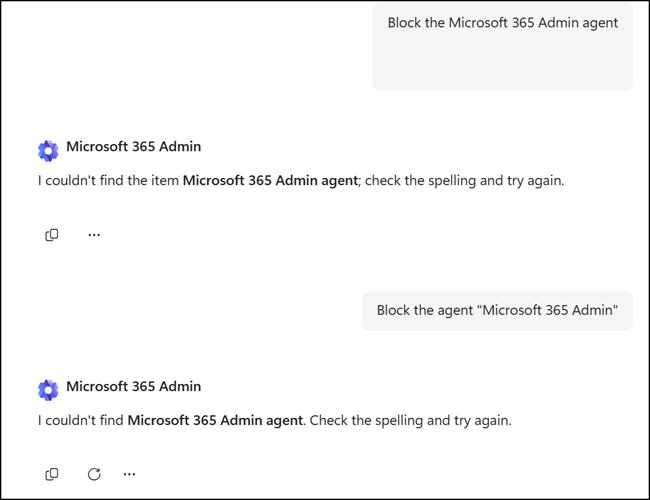
In my case, I simply wanted to update a phone number for an Entra ID account. I discussed this with the agent for ten minutes, with no result. In that time, I would have already updated the number manually multiple times. The agent cannot update Entra ID accounts.
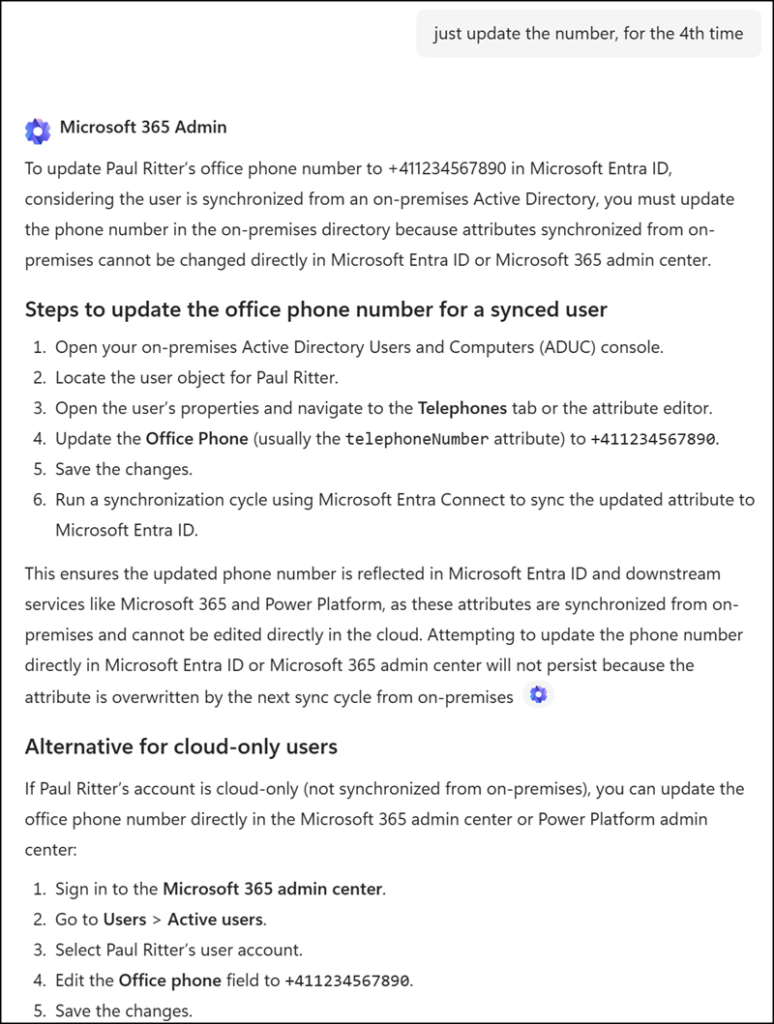
It’s a genuinely frustrating experience, even based on a sample from Microsoft (modified).
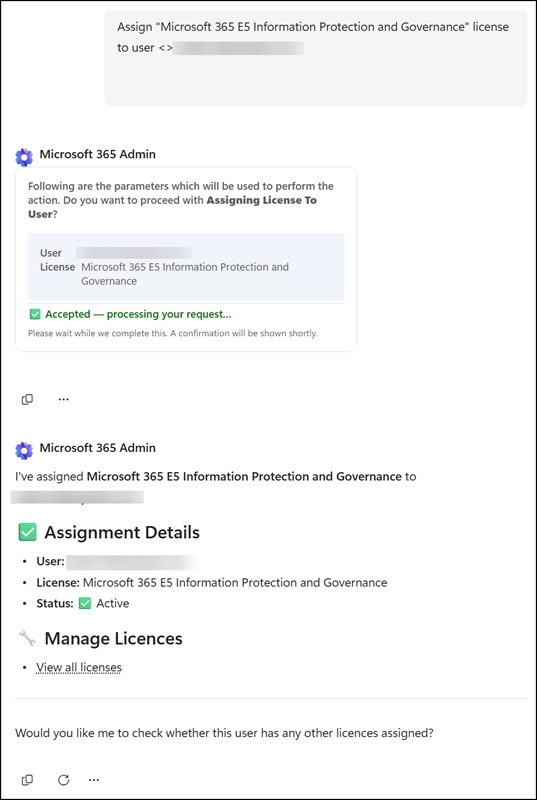
Finally, I found a working sample. I would never use this method, as it takes much more time than the normal steps and is so inflexible.
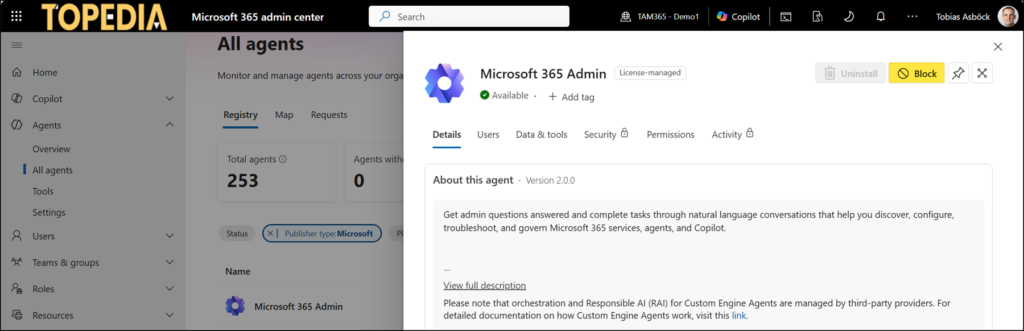
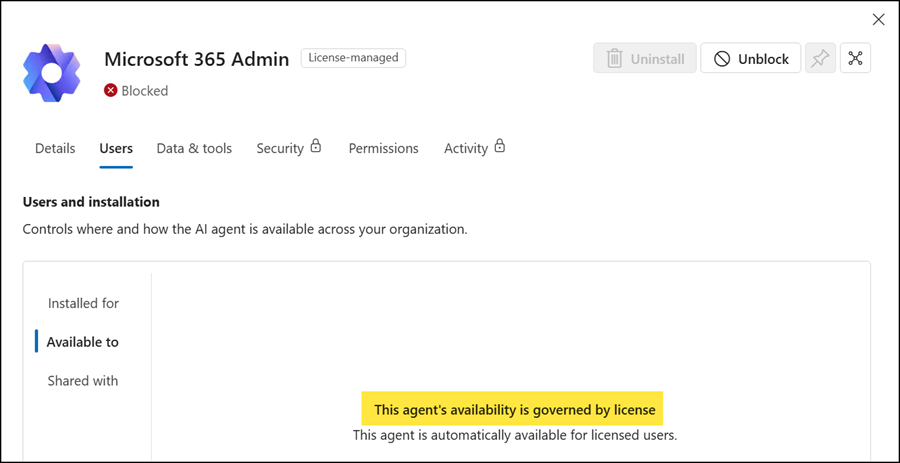
AI admins can disable the agent from Agents > Registry in the Microsoft 365 admin center by selecting Block on the agent. Blocking the agent prevents it from being invoked through Microsoft 365 Copilot Chat and other admin endpoints, so nobody can use it. I don’t think administrators will miss this agent. Other admin functionality in the admin center remains unaffected.
Scoped deployments to specific users or groups are not supported for Microsoft-managed agents.
Administrative actions performed through the agent are recorded in the relevant workload’s audit logs, such as the Microsoft 365 admin center, Microsoft Entra, and Microsoft Teams admin logs. The admin account is recorded, not the agent.
