
Microsoft has introduced a simple way for users to check their audio before joining a Teams meeting in the desktop clients for Windows and Mac. A new Test mic and speaker option is now available on the pre-join screen, letting users record a short clip and play it back to confirm that the microphone and speaker are working correctly and that the correct devices are selected.
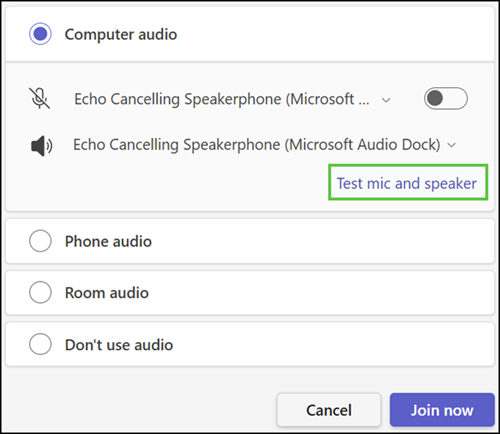
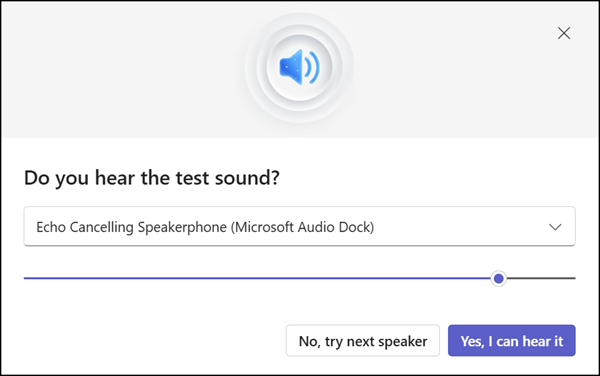
First, users hear a test sound to confirm the speaker is working.
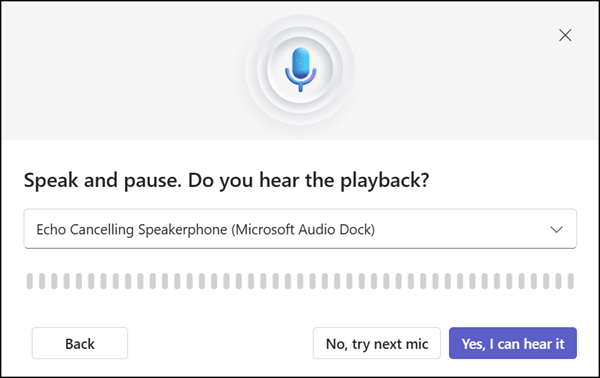
Second, they should briefly talk to check whether the microphone is working. Speak, then pause (be quiet) so the check registers that the user has finished. A signal indicates the end of the test.
At the end, users get their sound-check results.
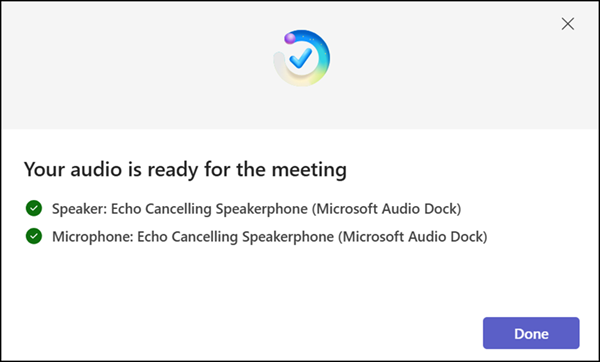
That’s it; the user can now join the meeting.
This should help meetings start more smoothly, with fewer interruptions caused by audio problems that are usually only discovered after joining.
The feature is turned on automatically for all internal Teams users, so users do not need to change any settings to start using it, and it does not affect any existing audio configurations. The rollout should already be completed.
Updated 22 July 2026:
The rollout should be completed in August 2026.
