
Microsoft expanded Copilot in Outlook so that it also works inside shared and delegated mailboxes, not just in a user’s own inbox. This change should make work easier for teams relying on shared inboxes to manage email, since they will no longer need to switch between mailboxes or rephrase their requests to get help from Copilot.
Previously, people who regularly work in shared mailboxes, such as executive assistants, support staff, and other employees, could use Copilot only in their own mailboxes.
With this update, anyone who already has a Microsoft 365 Copilot license can use the same Copilot features, including Copilot Chat and inline text improvements, directly while working inside a shared or delegated mailbox.
Users can ask Copilot to summarize messages or draft replies in a shared mailbox just as they already do in their own inbox, without needing to mention the mailbox name in their request. Copilot automatically recognizes which mailbox is open and responds accordingly.
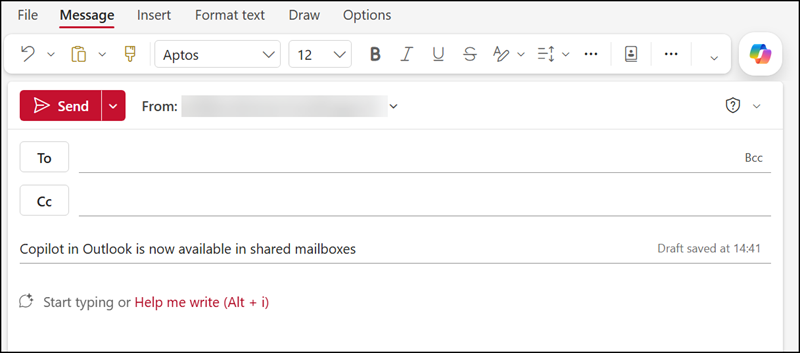
Copilot in Outlook will process and ground responses based on email and folder content from shared and delegated mailboxes, using the mailbox permissions assigned to the user. An Exchange admin should review shared and delegated mailbox permission models, including folder-level permissions, to ensure they align with the organization’s expectations. Each person’s Copilot conversation history stays private to their own account, so colleagues who share the same mailbox will not see each other’s Copilot conversations.
Note:
In my experience, Copilot in Outlook is available when the shared mailbox is added to Outlook and appears in the folder pane next to the primary mailbox. Copilot is not available when the mailbox is opened separately via the “Open another mailbox” option, because the mailbox opens its own browser session outside the primary mailbox context.
This update should already be available for users with a Microsoft 365 Copilot license in Outlook on the web, the new Outlook, Outlook for Mac, and Outlook for iOS and Android. It’s not available in Outlook Classic.
