
Users with a Microsoft 365 Copilot license in the Frontier program will be notified about a new Personal Attendant agent for Teams Phone.
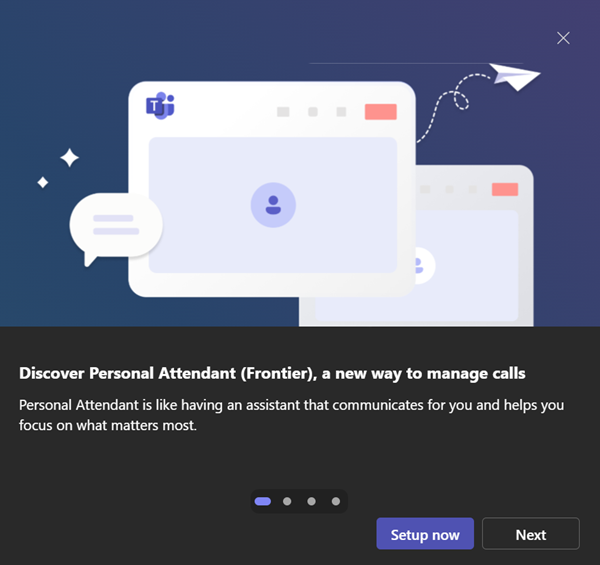
Personal Attendant (also known as Copilot Call Delegation) is an AI-powered voice agent in Teams Phone that handles incoming calls on behalf of the user. The agent is currently disabled by default.
Personal Attendant agent (also known as Copilot Call Delegation)
Once enabled in Teams Call settings, the agent screens calls, collects the caller’s reason for calling, and routes the interaction based on the user’s availability and configured preferences.
- For urgent calls, it escalates to the user with a summary of the topic.
- For non-urgent calls, it can schedule a follow-up meeting using a private Microsoft Bookings calendar or route the caller to voicemail.
- Out-of-office situations are also handled automatically, with the agent offering to book a meeting after the user’s return.
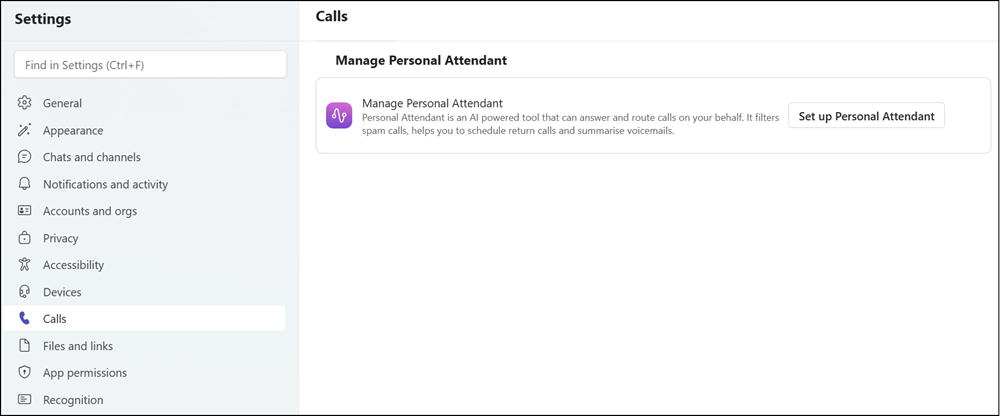
Callers are transparently informed they are speaking with an AI attendant rather than a person. After the call, a summary is added to the call history.
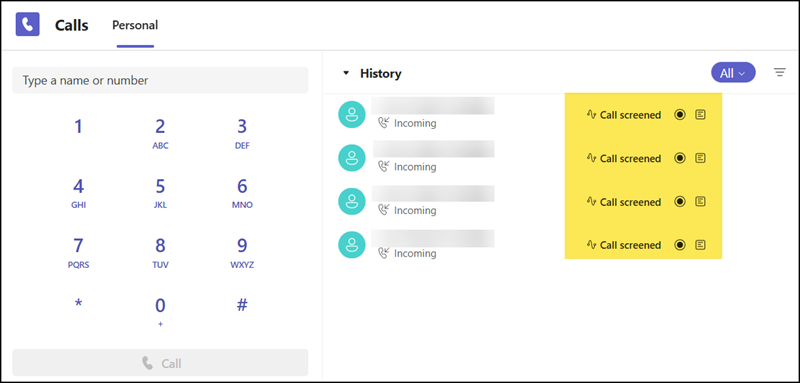
Additional options allow the user to choose which call types are screened (internal or external), filter likely spam calls to voicemail, and control whether calls are recorded or transcribed.
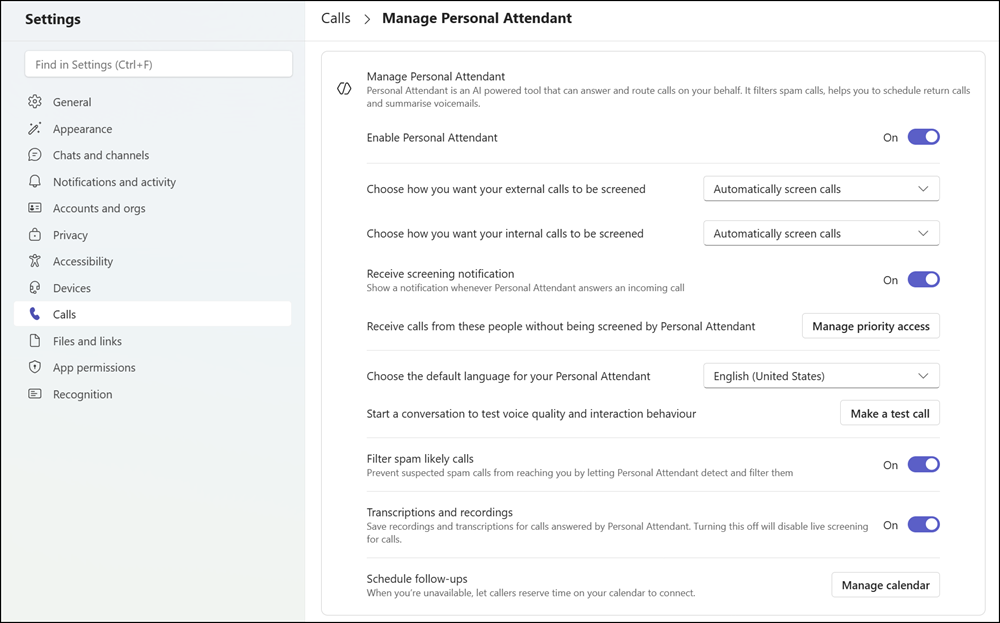
The Personal Attendant agent is currently rolling out through the Copilot Frontier Program, which requires a Microsoft 365 Copilot license. The agent is supported on Windows and Mac desktop clients, with the Teams client language set to English.
How to manage the Personal Attendant agent?
Teams administrators will find a new Personal Attendant policy and five new cmdlets for managing the Personal Attendant agent.
- Get-CsTeamsPersonalAttendantPolicy
- Grant-CsTeamsPersonalAttendantPolicy
- New-CsTeamsPersonalAttendantPolicy
- Remove-CsTeamsPersonalAttendantPolicy
- Set-CsTeamsPersonalAttendantPolicy
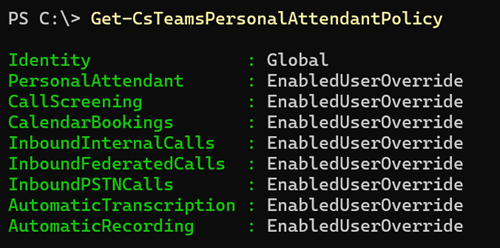
As documented, since this is an early preview, most settings cannot be updated; for example, PersonalAttendant to disable the agent is still restricted. If you want to restrict the agent, remove your users from the Frontier program.

The settings AutomaticTranscription and AutomaticRecording can be updated.
AutomaticTranscription
Enables the user to use the automatic storing of personal attendant call transcriptions.
Possible values:
- EnabledUserOverride: Users can set their preferences from personal attendant settings in the Teams app.
- Enabled: Enables the user to use this functionality.
- Disabled: The user is not enabled to use this functionality.
AutomaticRecording
Enables the user to use the automatic storing of personal attendant call recordings.
Possible values:
- EnabledUserOverride: Users can set their preferences from personal attendant settings in the Teams app.
- Enabled: Enables the user to use this functionality.
- Disabled: The user is not enabled to use this functionality.
