When Microsoft replaced the Microsoft 365 start page at m365.cloud.microsoft in January 2025, they also replaced the app launcher, causing an additional inconsistency in app launcher scenarios. For me, it’s still unclear who liked the decision to update the app launcher.
In my case, the new launcher frequently failed to work because the system tried to load the pinned apps. Initially, the apps were empty and became visible after 20 seconds.
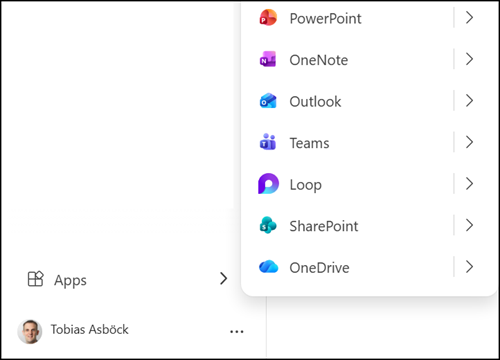
Microsoft is now reverting the app launcher changes introduced in January and November 2025. The app launcher is moving back to the top. App loading remains slow, indicating the system loads the pinned apps on the first click on the app launcher.
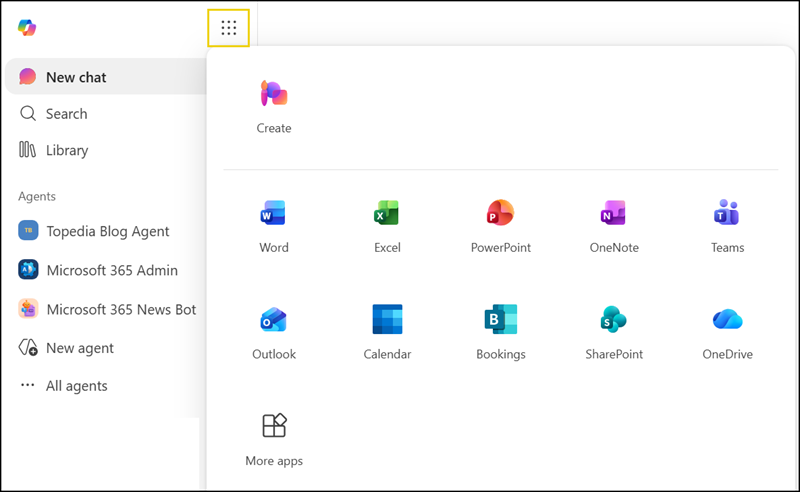
The overall situation with Microsoft 365 app launchers remains inconsistent.
Microsoft seems unable to align internally on a single, consistent app launcher experience across Microsoft 365, especially for new products.
Four additional examples:
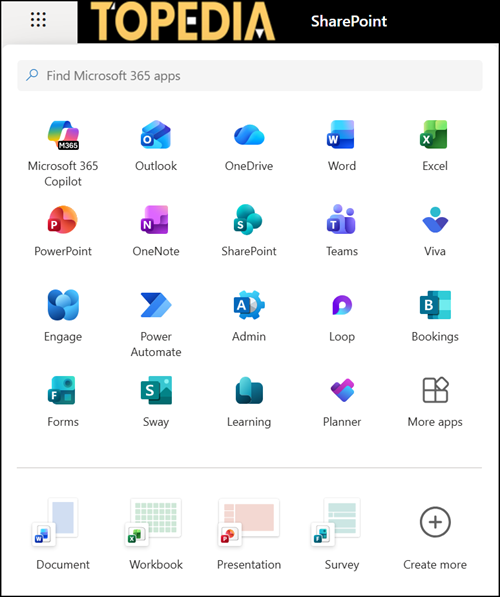
- Classic app launcher (including a search field to find apps)
The classic app launcher with a search field is available in products such as SharePoint, OneDrive, Office Online, Planner, Microsoft Viva, the Microsoft 365 admin center, and others.
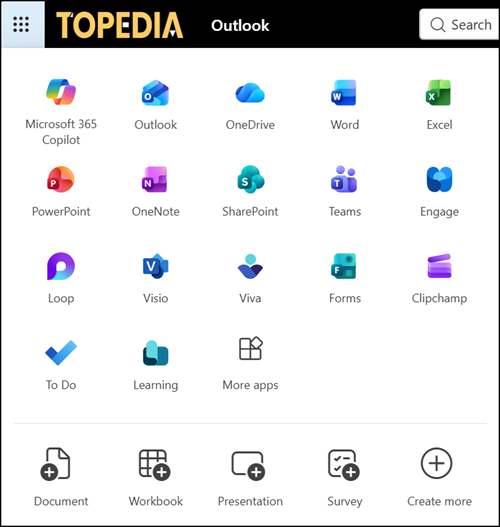
- Classic app launcher (without the search field to find apps)
A similar classic app launcher without a search field is available in Outlook.
- Compact app launcher
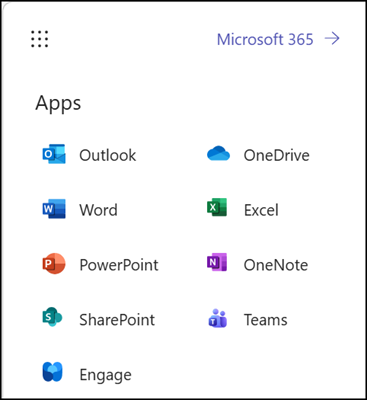
A “compact” app launcher is available in products such as Teams on the web.
- No app launcher
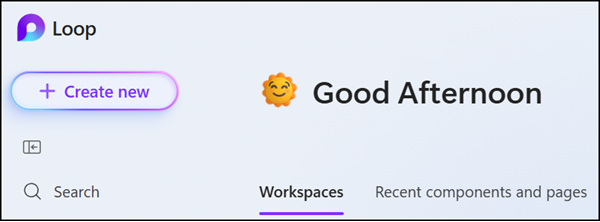
The worst variant is in newer products such as Microsoft Loop and Microsoft Places, which provide no app launcher at all, leaving users completely confused without a path back to the start page or to other products. I also submitted this as a feature request in the Loop feedback portal, but Microsoft deleted it, or it was otherwise lost.