
Microsoft has simplified the App Setup policies in the Teams Admin Center, first announced in July 2024. An app setup policy defines which Teams apps are preinstalled for users.
According to Microsoft, the last Phase 2 should include all remaining tenants and was scheduled to be completed at the end of March 2026.
Content
The previous app setup policies
Previously, a Teams administrator could assign an app setup policy to users or groups, with each user or group limited to a single policy assignment.
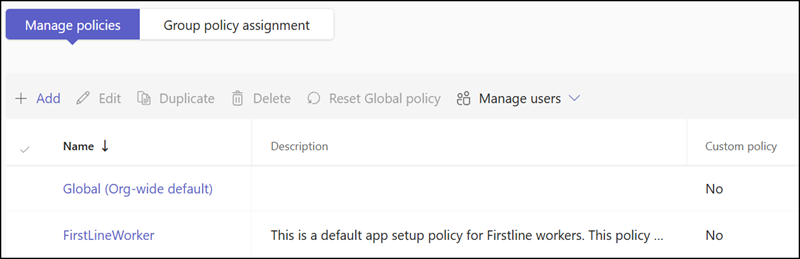
Each app setup policy defined which apps were preinstalled for the assigned users.
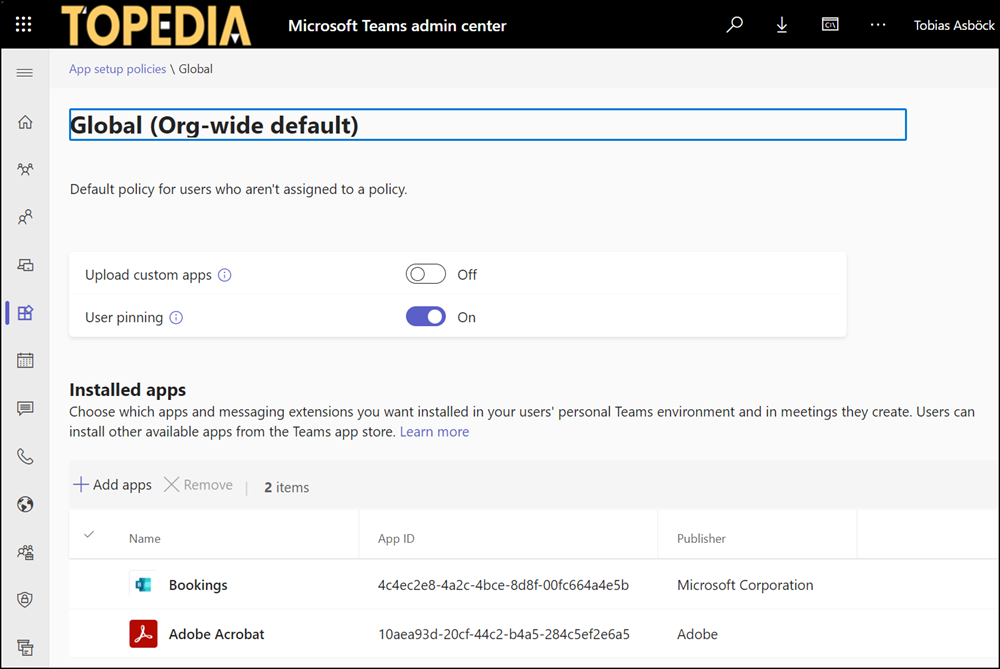
Anyone managing these app setup policies will be familiar with their inflexibility: a user can hold only one such policy at a time.
The new app installation experience
Microsoft has simplified these app setup policies using the same approach introduced for the new app permission policies in November 2023. Each Teams app can now be installed individually for users, Entra ID groups, or a Teams team.
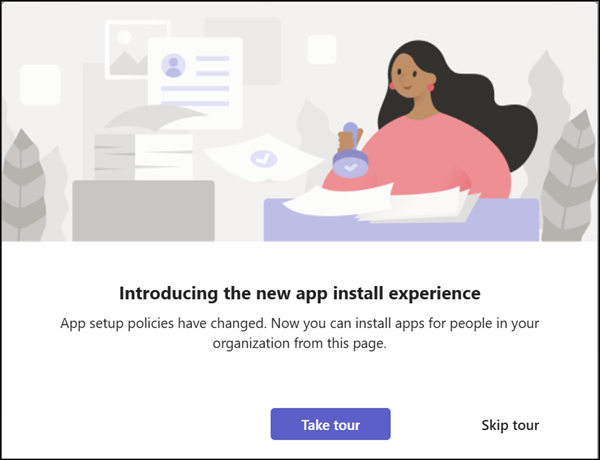
The Teams Admin Center displays a short message when the new app installation experience is available in your tenant.
Open the Teams app, select Users and groups, and switch between the Availability and Installs selections.
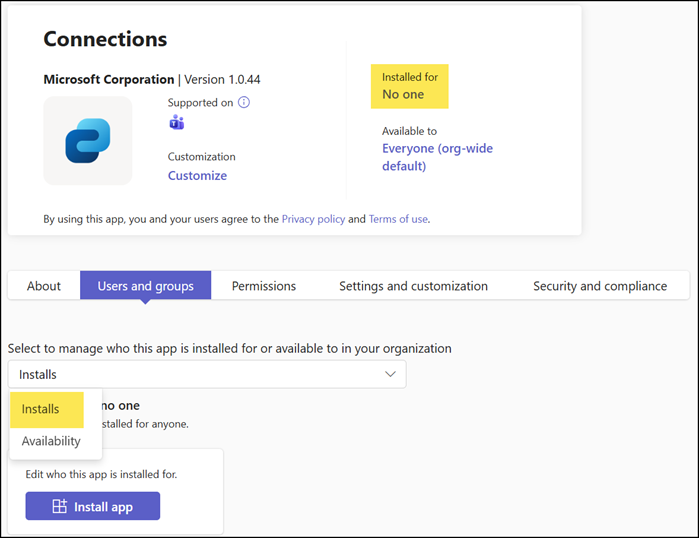
Apps can be installed for No one, Everyone, specific users, Entra ID groups, or a Teams team. Not all apps support team-level installation, and some will return an installation error (such as the Whiteboard app).
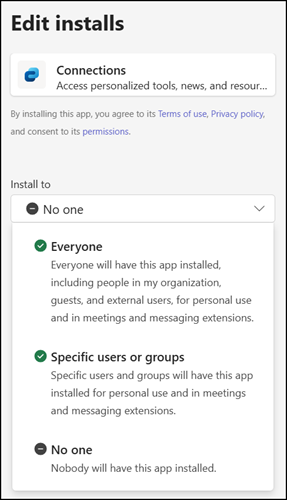
The new installation method follows the app centric management process (previously known from permission policies).
As with app availability, each Teams user now includes whether an app is preinstalled and how it was assigned: not installed, Direct, via group assignment, or through Everyone.
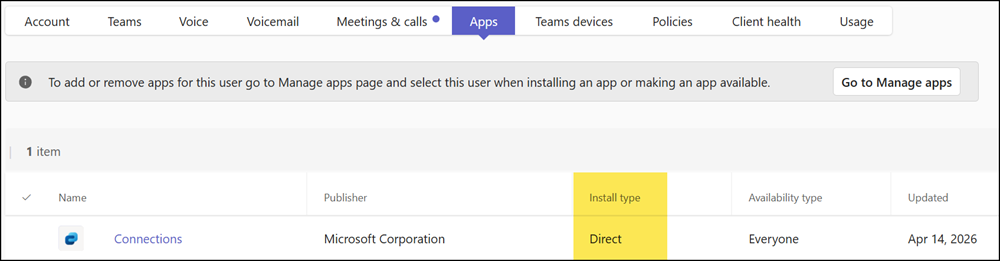
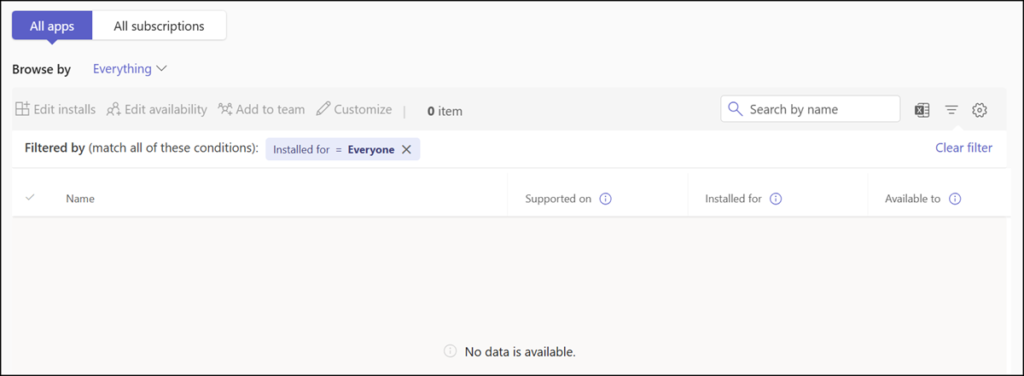
By default, apps are not preinstalled.
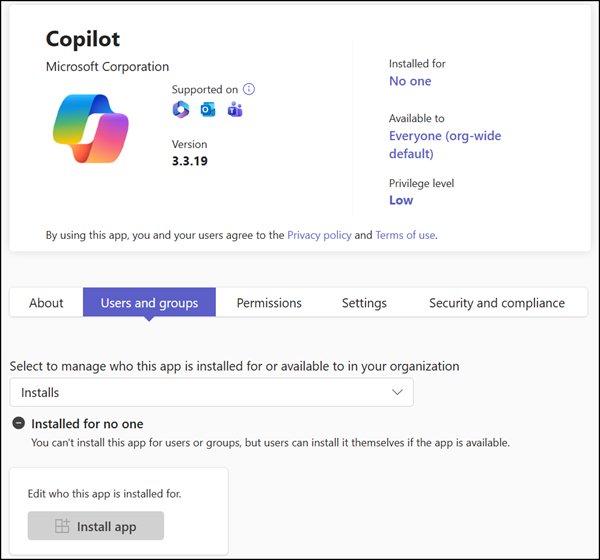
Some Microsoft apps are exceptions, such as Copilot, which is there by default.
Migrating existing app setup policies
It’s important to know, Microsoft has not replaced the app setup policies. Existing policies remain intact but are in a restricted mode. Apps can be removed from a policy, but no new apps can be added. Existing preinstalled apps should be migrated to the new app installation experience.
As Microsoft notes, the new app installation experience does not affect other app setup settings, such as Pinned apps or the setting to upload custom apps.
After rollout, app-centric management will let admins install apps individually. Existing Installed apps in app setup policies will remain intact; however, no new additions will be permitted, and only deletions will be allowed. Instead, you can install Teams apps for selected users, groups, or all users directly from the respective app. Other settings in app setup policies, including Pinned apps, will remain unchanged.
