
In a standard scenario, the meeting organizer and any co-organizers in a Teams meeting can prepare breakout rooms before the meeting starts. See the roles in Teams meetings for details for more details.
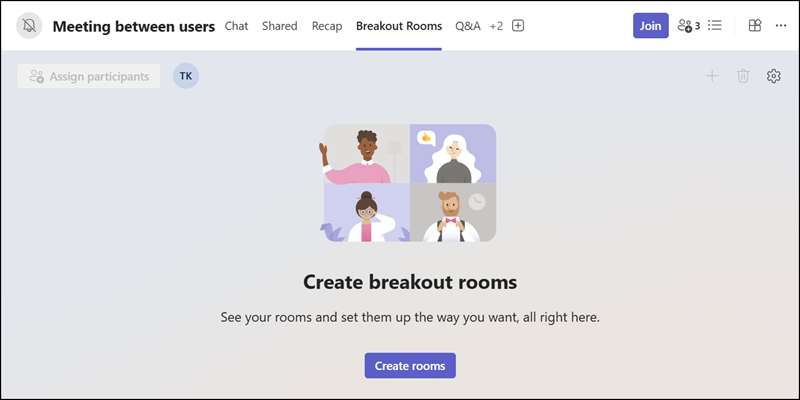
When a meeting is scheduled by someone with delegated mailbox permissions (e.g., an assistant), the option to prepare breakout rooms is missing.

The breakout rooms option is also not available in the meeting details.
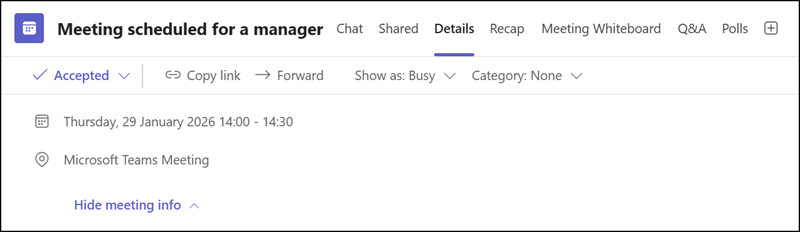
First, it seems the breakout rooms option is unavailable in delegated meetings.
To access it, open the event in the Teams calendar, Outlook on the web, or the new Outlook, then select the three dots (…). You will find the breakout rooms option there. This option is not available in Outlook Classic.
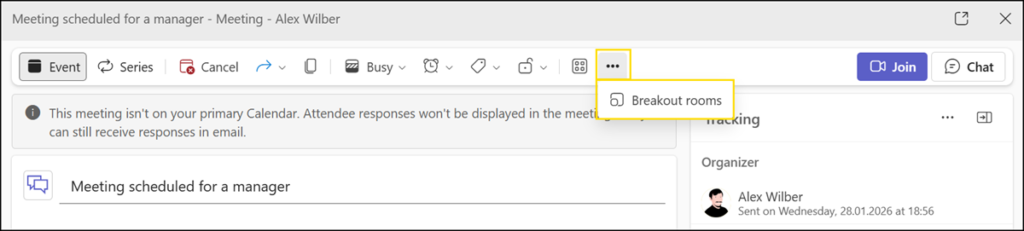
Selecting this option redirects you to the Teams event to a “hidden” tab. The breakout rooms tab is not directly visible in delegated meetings (maybe a Teams bug). You have the same breakout room options as in a regular meeting.
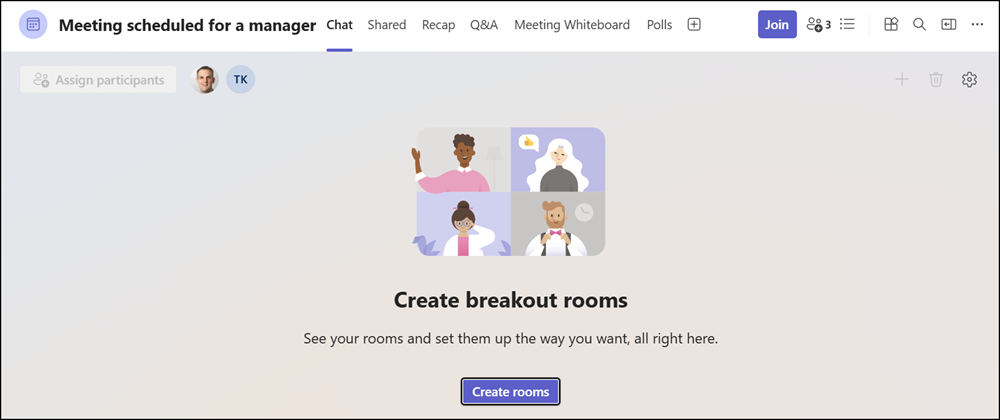
It’s important to mention, the breakout rooms tab is available to the organizer. If the manager (the organizer) starts the meeting, the breakout rooms are available as usual, provided they were prepared in advance.
Note about the delegation permissions:
The account requires the “Read and manage (Full Access)” delegation permission to schedule delegated meetings via Teams.
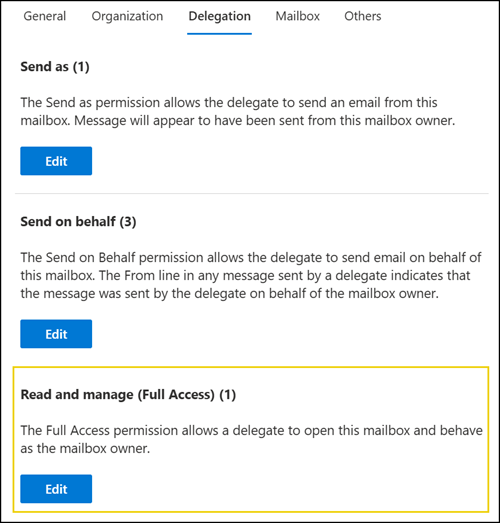
With this permission, the delegated account can modify the meeting options in the other calendar. The delegated account must be assigned as a co-organizer to prepare breakout rooms. The delegated account can assign itself as a co-organizer because it has the required permissions.
