
Microsoft is rolling out a new capability that lets users start a Teams chat with anyone using an email address, even if the recipient does not currently use Teams. The recipient receives an email invitation and can join the conversation as a guest, allowing external communication without leaving Teams.
This capability is enabled by default for eligible users across all Teams platforms (Windows, Mac, Web, iOS, and Android), unless a Teams administrator disables the setting or restricts guest collaboration.
Timeline
- Teams Public Preview
The rollout should be completed for users with a Business license. Users with an Enterprise license are excluded. - Standard Release
The rollout will start in February 2026 for users with a Business license. Users with an Enterprise license are excluded.
Updated 7 February 2026:
The rollout will start in May 2026 for users with a Business license.
How does this affect your users?
Eligible users can start 1:1 or group chats by entering an external contact’s email address. Teams shows the recipient as an external participant. The email address is not available for selection if a Teams administrator has disabled the B2B invitation setting (as described below).
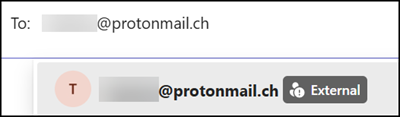
The internal user sees an inline message explaining the external contact will receive an email invitation.

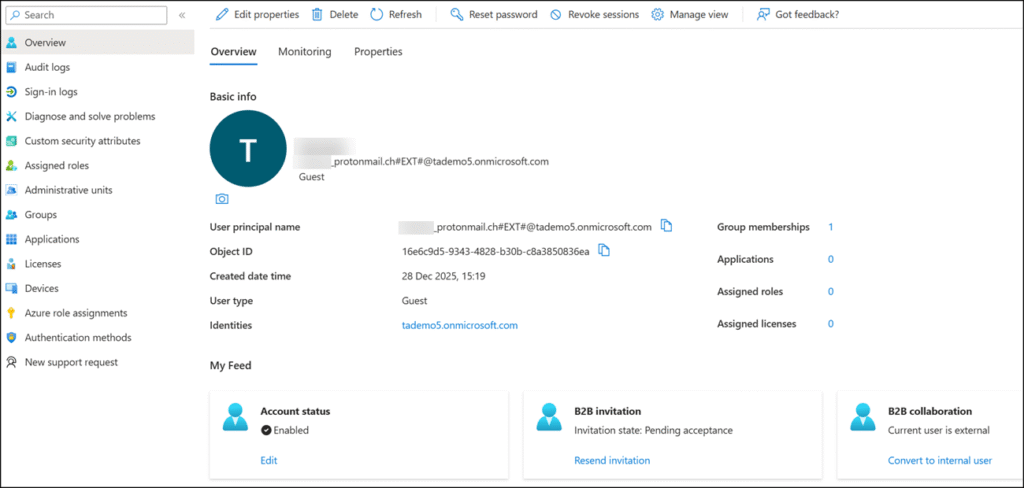
Entra ID creates a guest account with the invitation state Pending acceptance after the chat message has been sent.
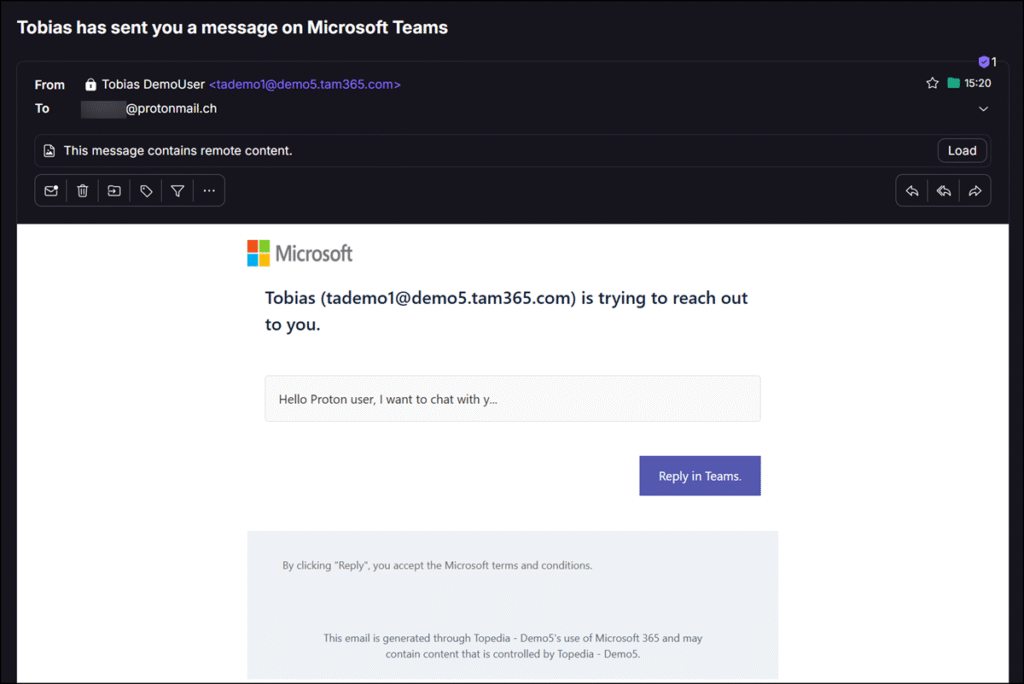
The external contact receives an email invitation containing the initial message content and can join the chat as a guest.
The recipient can reply either by email or through Teams.
- If the recipient replies by email, the response is sent as a direct email message. The internal user receives it in Outlook, not in the Teams chat.
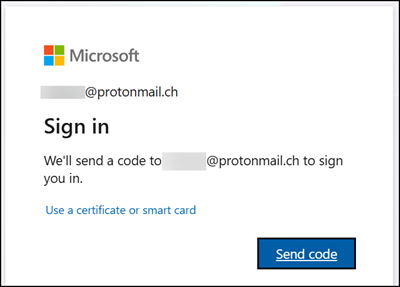
- If the recipient replies in Teams, a one-time email code is required for authentication. The guest must complete the invitation process, including MFA setup if required by the organization.
- The recipient cannot choose “I never wanted to receive this invitation,” even if multiple invitations are sent (chat invitation spamming).
Once accepted, the conversation behaves like a standard Teams chat with an external guest. The guest account also becomes available across other Microsoft 365 products, such as SharePoint and OneDrive.
How does this affect Teams administrators?
Chatting with anyone using an email address is enabled for users with the following licenses, provided guest chat is enabled, and guest collaboration is not restricted to specific domains.
- Microsoft Teams Essentials
- Microsoft 365 Business Basic
- Microsoft 365 Business Standard
- Microsoft 365 Business Premium
Teams administrators can disable this feature through a Teams Messaging policy using the setting UseB2BInvitesToAddExternalUsers, which is enabled by default.
UseB2BInvitesToAddExternalUsers
Controls whether B2B invitations are used to add external users when required.Possible values:
- True, external users are added using B2B invitations.
- False, external users are not added using B2B invitations.

Example of disabling the setting through a Teams Messaging policy.
 Connect-MicrosoftTeams
 Set-CsTeamsMessagingPolicy -Identity Global -UseB2BInvitesToAddExternalUsers $false