Scheduling, setting up, and managing an event can be complex. To support this, Microsoft has introduced enhanced co-organizer capabilities in Teams Webinars and Town Halls.
Previously, co-organizers could manage event theming, registration, meeting options, and view reports, but they were restricted from editing critical event details such as:
- Title
- Date/Time
- Description
- Event Group
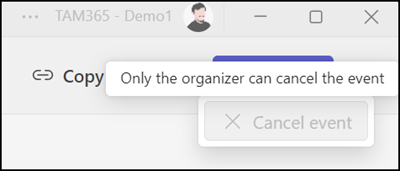
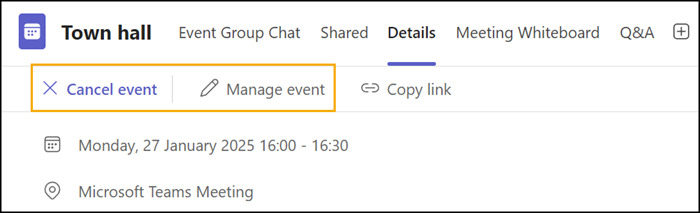
With the update, co-organizers will gain the ability to:
- Edit event details
- Publish events
- Cancel events
This change ensures co-organizers have full parity with organizers, enabling a more collaborative event management experience.
Timeline
The rollout completion is expected in February.
Updated 15 February 2025:
The rollout should be completed by the end of February.
Updated 31 May 2025:
The rollout should be completed by the end of November.
Updated 13 September 2025:
Microsoft has postponed the rollout of this update for Standard Release tenants to March 2026.
Updated 7 September 2026:
The rollout should be completed by October 2026.
Impact for your organization
Co-organizers can edit the event details page, publish, and cancel events directly from the event scheduling page.
What co-organizers cannot do:
- Manage the meeting recording
- Remove or change the meeting organizer’s role