
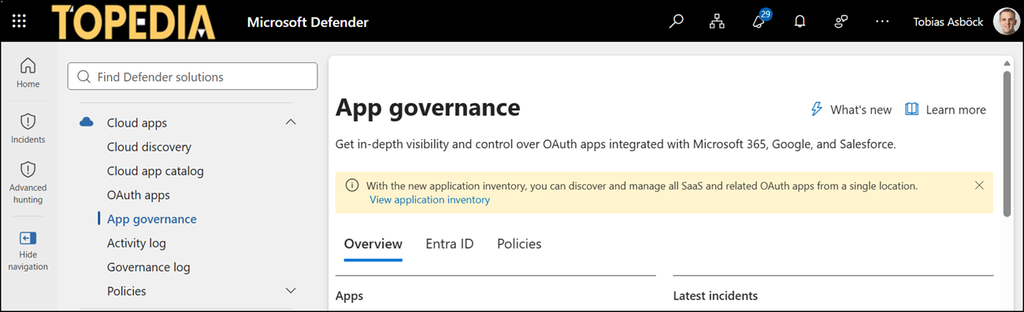
Microsoft is changing how access to App Governance in Defender is controlled. App Governance is part of Microsoft Defender for Cloud Apps. The permissions will soon follow Defender XDR Unified role-based access control (Unified RBAC). This change is also related to the ongoing activation of Unified RBAC in Defender.
For users who work with App Governance, this means their access may change depending on their current role.
In October 2026, Microsoft is rolling out the following admin role changes:
- Cloud App Security Administrator: Users with this Microsoft Entra role will gain permission to view and manage App Governance policies.
- Compliance Administrator: Users with this Microsoft Entra role will no longer be able to manage App Governance policies or enable and disable App Governance in Settings.
- Compliance Data Administrator: Users with this Microsoft Entra role will no longer be able to enable and disable App Governance in Settings.
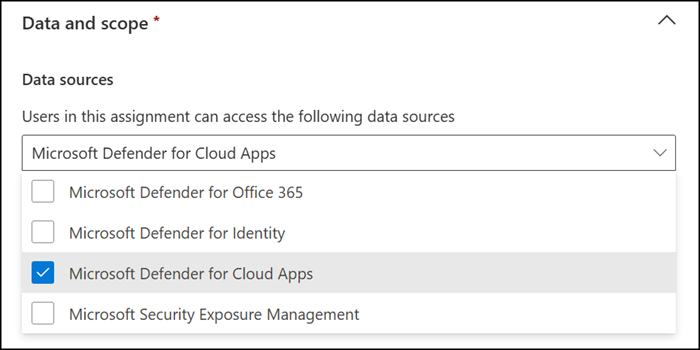
- Custom Defender XDR Unified RBAC roles: Users assigned a custom role in Defender XDR Unified RBAC for the Microsoft Defender for Cloud Apps workload will also gain access to App Governance features.
Users who rely on one of these roles to work with App Governance in the Defender admin portal should check that their access still matches what they need. If a role no longer covers their tasks, they should ask an administrator who manages role assignments in their organization for another supported role to fit their work.
