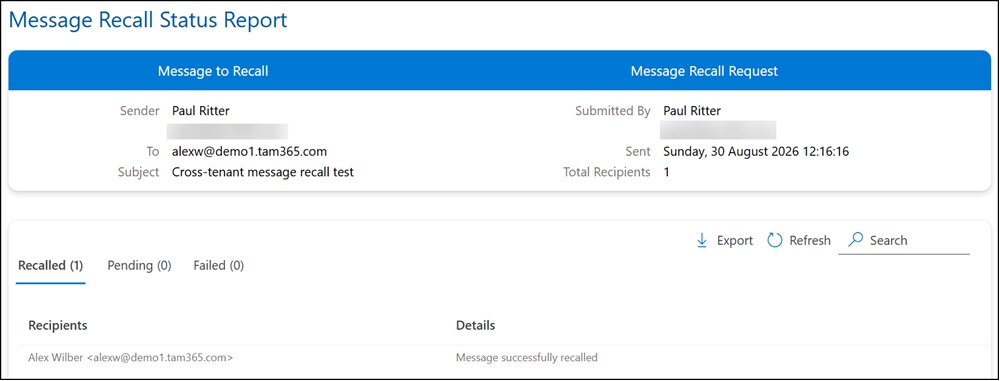
Exchange Online is adding cross-tenant message recall, allowing administrators to let trusted external Microsoft 365 tenants recall messages sent to their users. Until now, message recall only worked within the same tenant.
- Cross-tenant message recall is disabled by default and must be enabled via Exchange Online PowerShell.
- Message recall is supported across Outlook on the web, desktop apps, and mobile apps.
Timeline
The rollout should be completed in September 2026.
How does this affect the organization?
Until now, message recall was confined to messages sent and received within a single tenant. With the new cross-tenant recall, a receiving tenant can add specific external tenant IDs to an allow list, allowing senders from those tenants to recall messages they previously sent into the receiving tenant’s mailboxes.
The relationship is one-directional and receiver-controlled: each tenant independently decides which external organizations it trusts, and a sender’s recall only succeeds if the recipient’s tenant has allow-listed the sender’s tenant.
Once enabled and configured, the following applies:
- Allow-listed cross-tenant recall: external senders from tenants on the allow list can recall messages sent to the organization’s users, with the recall processed the same way as an intra-tenant recall.
- Recipient recall notifications: whether already enabled in the tenant, these notifications also apply to cross-tenant recalls.
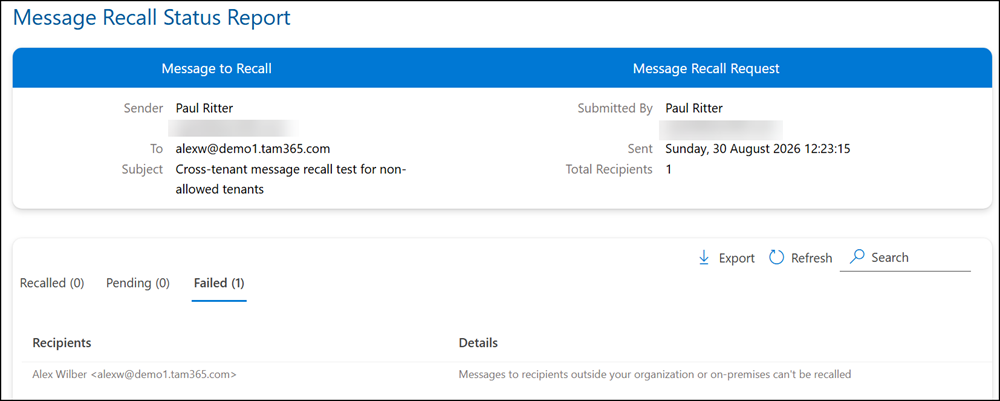
- Blocked recall attempts: recall attempts from tenants not on the allow list fail.
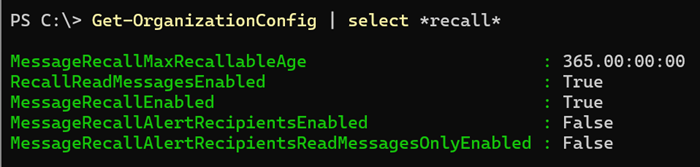
The existing recall configurations for messages within the same tenant are not migrated or used.
Cross-tenant message recall is disabled by default. Every tenant starts with an empty allow list.
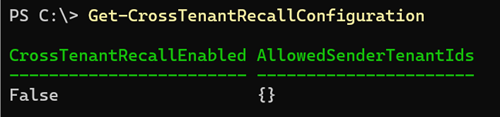
Exchange Online administrators can update the settings with Set-CrossTenantRecallConfiguration.
Set-CrossTenantRecallConfiguration -CrossTenantRecallEnabled $true -AllowedSenderTenantIds @{Add="<TenantId1>","<TenantId2>"}
Internal users can select the usual “Recall message” option in Outlook.
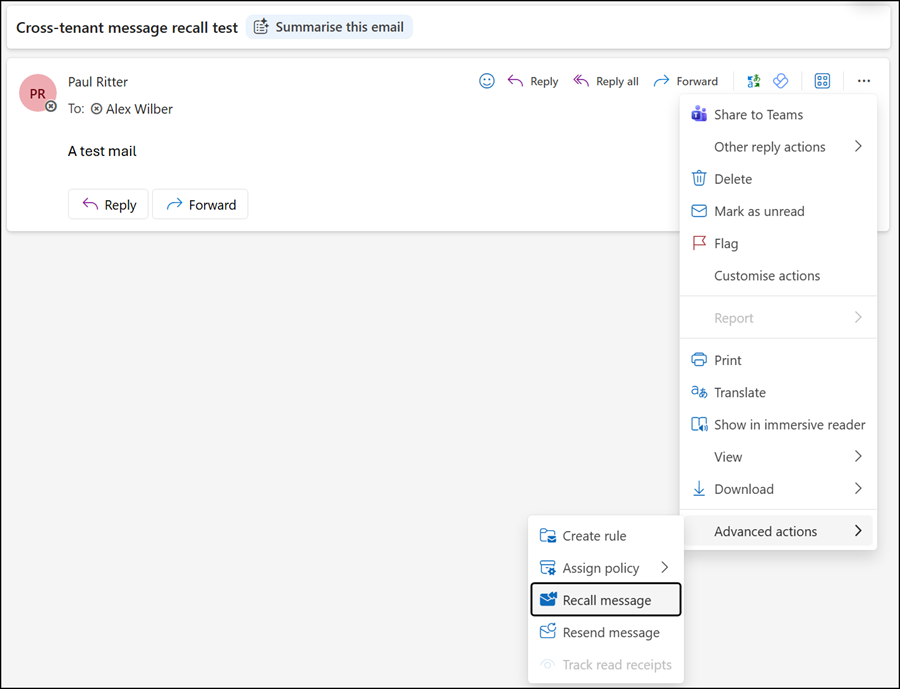
The recall report then includes the updated status for external recipients.