Microsoft has published two new Entra admin roles:
- Teams External Collaboration Administrator
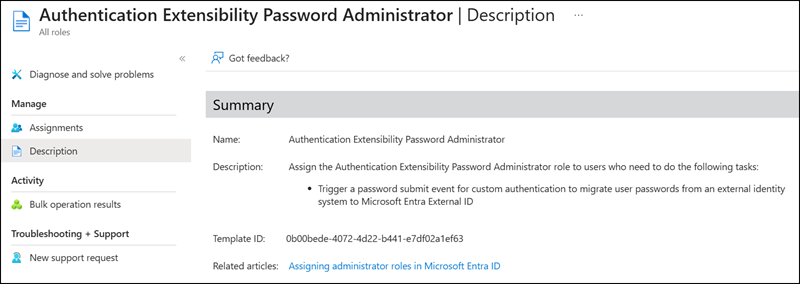
- Authentication Extensibility Password Administrator
Note
The roles may take some time to become fully active.
Teams External Collaboration Administrator
Microsoft announced the Teams External Collaboration Administrator role in early January.
Users with the Teams External Collaboration Administrator role can manage external access settings for federated domains and control External Access Policies to allow or block external domains.
This role does not grant access to the Teams admin center. All management tasks must be performed via PowerShell. Currently, assignment to Administrative Units is not supported for this role.
This role is designed for someone who governs external (federated) collaboration in Microsoft Teams, can adjust external access policies, and can open support cases, but only has read-only visibility into broader tenant and policy settings (via PowerShell only).
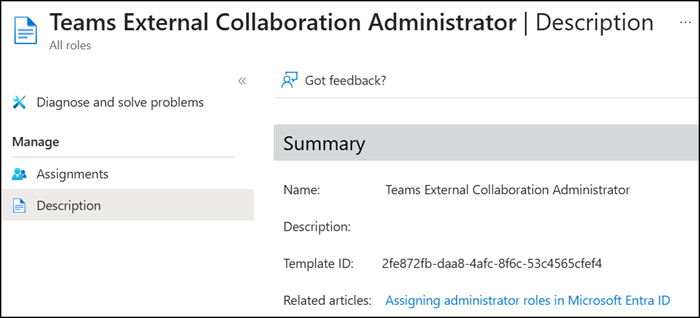
Role Definition ID: 2fe872fb-daa8-4afc-8f6c-53c4565cfef4
Role permissions:
microsoft.azure.supportTickets/allEntities/allTasks
microsoft.directory/authorizationPolicy/standard/read
microsoft.office365.webPortal/allEntities/standard/read
microsoft.teams/policies/externalAccessPolicy/allTasks
Authentication Extensibility Password Administrator
Authentication Extensibility Password Administrator relates to implementing Just-In-Time (JIT) password migration, which moves user credentials from a legacy identity provider to Microsoft Entra External ID, currently in Public Preview.
JIT migration works by invoking a custom API during the sign-in process to validate user credentials against the legacy identity provider. Microsoft Entra External ID supports this process by using custom authentication extensions to facilitate the integration. These extensions allow you to define custom logic that runs during the authentication process, enabling you to interact with external systems and perform more processing as part of the sign-in flow. … The Authentication Extensibility Password Administrator role gives you the necessary permissions to create and manage custom authentication extensions for password migration.
Role Definition ID: 0b00bede-4072-4d22-b441-e7df02a1ef63