
Viva Engage is changing how certain community and membership management actions are authorized to align with the Microsoft Entra security and administration model. The primary change is that users who have only the Verified Admin or Network Admin role in Viva Engage will need Microsoft Entra or Viva Engage Community Admin permissions to perform some actions.
Timeline
The rollout is scheduled for late September 2026.
How does this affect your Viva Engage admins?
Currently, users with the Verified Admin and/or Network Admin role in Viva Engage can perform a limited set of community and membership administration tasks without corresponding permissions in Microsoft Entra. After the rollout at the end of September 2026, these actions require either Microsoft Entra or Viva Engage Community Admin permissions.
To get a quick overview, three locations to find the different admin roles:
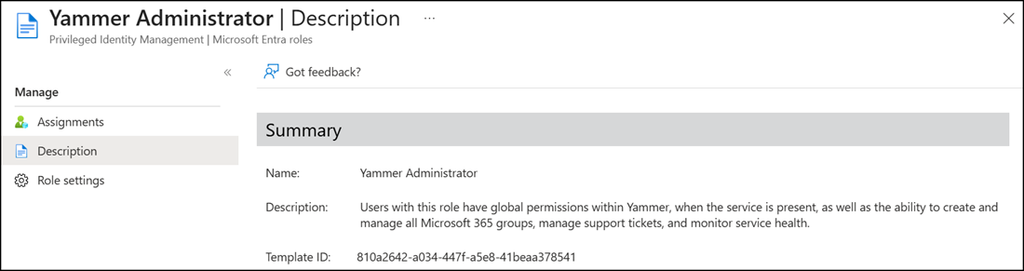
- The Yammer Administrator role is part of Microsoft Entra.
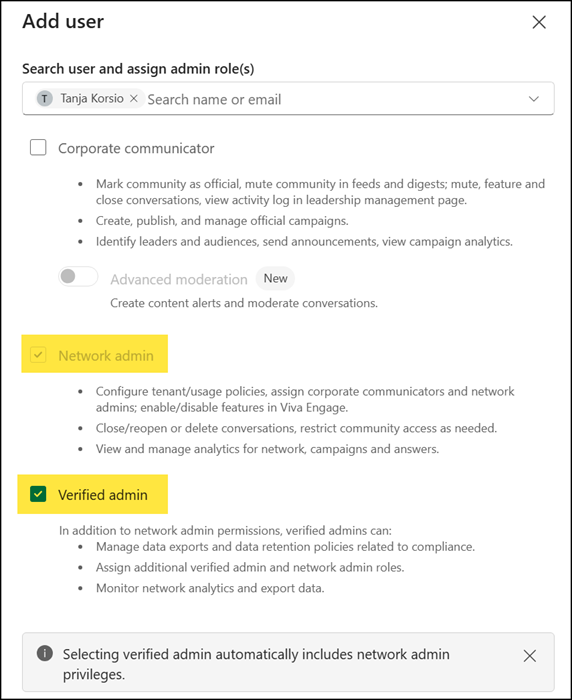
- The Verified Admin and/or Network Admin role is part of the Engage admin center. This change affects both roles.
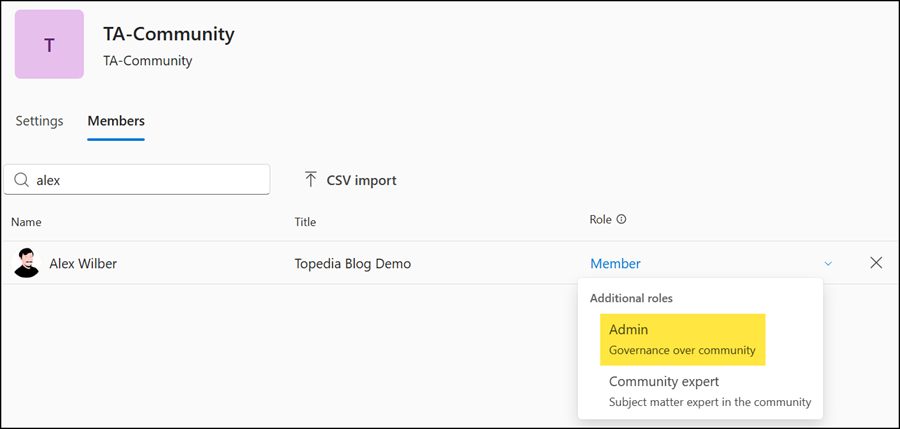
- The Community Administrator role is part of an Engage community, in the Members section.
This change will remove the following capabilities for users with the Verified Admin and/or Network Admin role in Engage communities:
- Community name: changing the name of a community.
- Community description: changing the description of a community.
- Community avatar: changing the avatar of a community.
- Community privacy settings: switching a community between public and private.
- Membership management: adding and removing community members.
- Community deletion: deleting a community.
Users need either the Yammer Administrator role in Microsoft Entra or must be a Community Administrator of the affected community.
Yammer Administrator
- Configure Viva Engage and its features for the organization, including data management and compliance, enabling badges, and network settings
- For Viva Engage core, assign the Corporate Communicator, network admin and verified admin roles
- For Viva Engage premium, assign other permissions and features:
- Identify leaders and their audiences
- Set up storylines
- Access analytics features and data collected for metrics
- Create and manage official campaigns
- Manage Answers
- Set up Microsoft Copilot in Viva Engage
Community Administrator
Community admins only have permissions in their communities:
- Add and remove members and community admins
- Manage conversations, including marking best answers, removing posts, closing posts to replies, pin posts, and deleting conversations
- Move conversations into community
- Mark community as official or restricted
- Post in restricted communities
- Create and manage community campaigns and view campaign analytics
- Manage settings, such as customizing the community appearance and changing the default post type
- Send announcements
Microsoft provides a helpful page on all Viva Engage roles and their differences (including Global Administrator and Yammer/Engage Administrator), which is worth reading: Manage admin roles in Viva Engage
