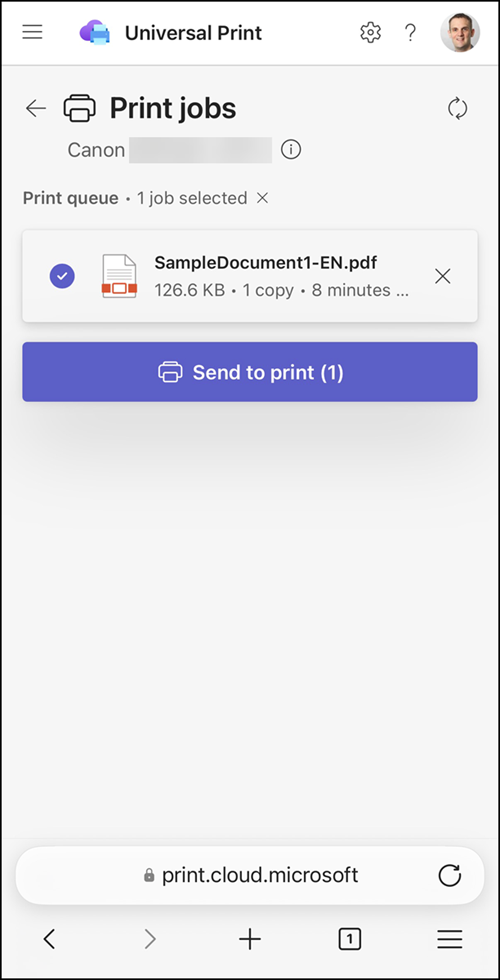
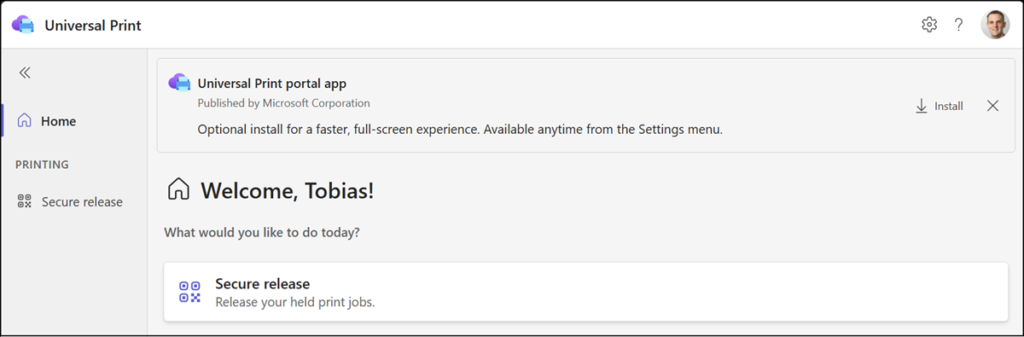
Microsoft is rolling out a new Universal Print Web Portal at print.cloud.microsoft. This portal is mainly intended for mobile devices, not desktop browsers.
Currently, users can release their secure print jobs by scanning a QR code at any printer and access their print workflows from a browser on any device if signed in with their Microsoft 365 organization account.
Until now, secure release was available in the Microsoft 365 Copilot mobile app (formerly Microsoft 365 app) when users scanned the secure release QR code on a printer.
With secure release, print jobs are held until the user manually releases them using a supported release method. Compared to direct printing, where jobs are sent to the printer right away, secure release adds this manual step.
Open print.cloud.microsoft on a mobile browser, sign in with your work or school account, and grant access to your camera:
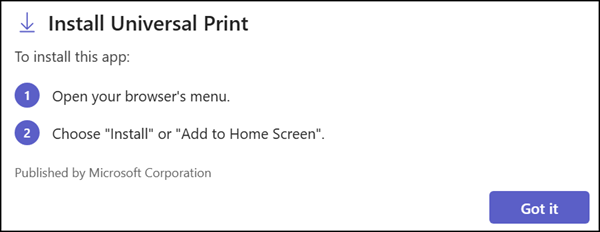
- Users can add the Universal Print page to their home screen. This optional step should provide quick access.
- Users can scan the secure release QR code to list all pending print jobs and release or delete them.