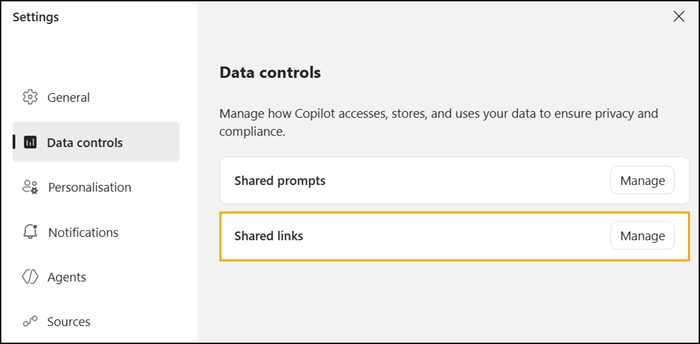
Microsoft 365 Copilot Chat will soon let users share their complete chat session or just a specific response.
- Session Sharing shares a full chat session.
- Response Sharing shares a single Copilot response.
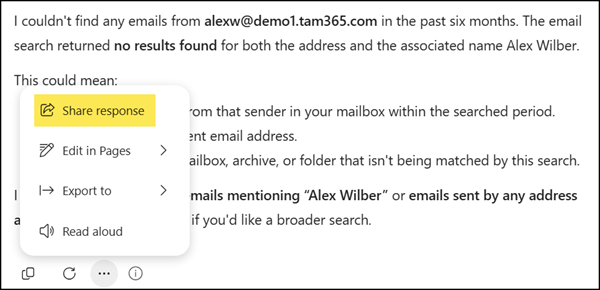
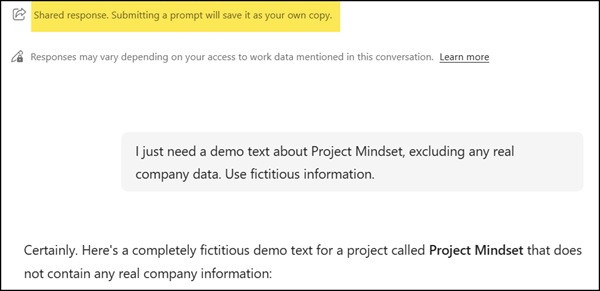
Copilot Chat already includes a “Share this response” option. Microsoft classified this as “Shared prompts”.
The option shares the complete response with recipients as a copy, including a copy of the Copilot prompt used.
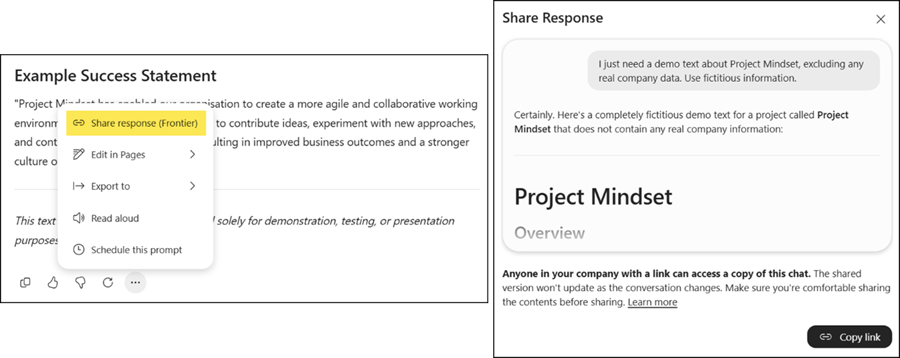
The new Session and Response Sharing is classified as “Shared links” and is different. It’s currently restricted to users in the Copilot Frontier program, but a global rollout is scheduled.
Frontier users now find the new options in chat responses…
…or in the chat.
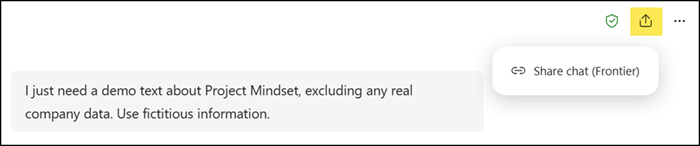
Anyone in the company with the sharing link can access a copy of the chat. Recipients do not need a Copilot Premium license and must not be a member of the Frontier program. The chat differs depending on the user’s access and licensing.
The shared content opens as a read-only view in Copilot Chat. Recipients can then continue from it in their own chat session. This gives users an easier and more controlled way to share useful Copilot outputs with coworkers instead of copying and pasting.
Users can manage or delete these session or response sharing links in the Copilot data controls via the Copilot Settings.