Microsoft is updating how access controls are applied in Purview Data Explorer and Purview Content Explorer. Purview administrators should review the role assignments if users report missing access to Data Explorer or Content Explorer.
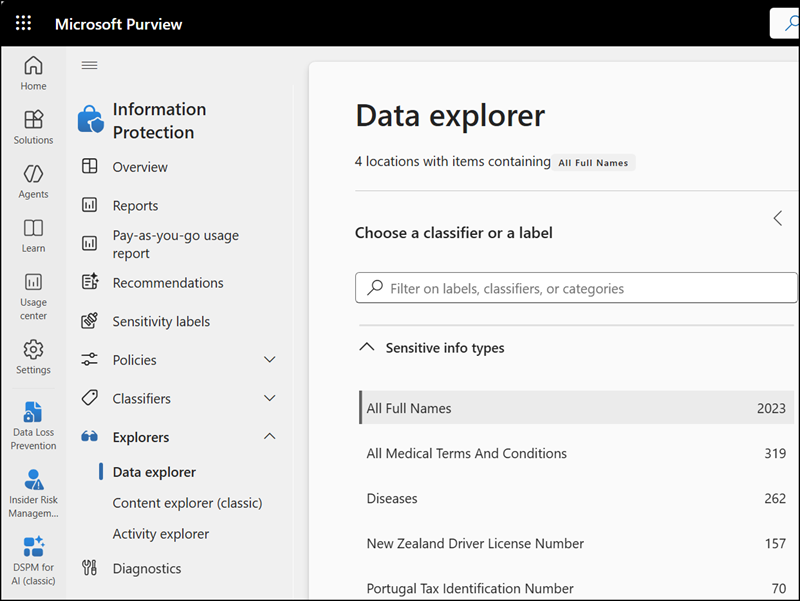
Both Purview Data Explorer and Content Explorer require the Data Classification List Viewer role or Content Explorer List Viewer role group to view and navigate classified data. This update enforces that requirement consistently across the experience in both applications.
- Users assigned the Content Explorer List Viewer role group, or a custom role group that includes the Data Classification List Viewer role, will continue to access Data Explorer and Content Explorer without disruption.
- Note: The Data Classification List Viewer role grants list-only access. Users who also need to view file content must be assigned the Data Classification Content Viewer role or one of the 7 role groups that include it.
- Users who do not have the appropriate role, such as those with the Organization Management assignment, will be unable to view or navigate Purview Data Explorer or Content Explorer as expected after the update in May 2026.
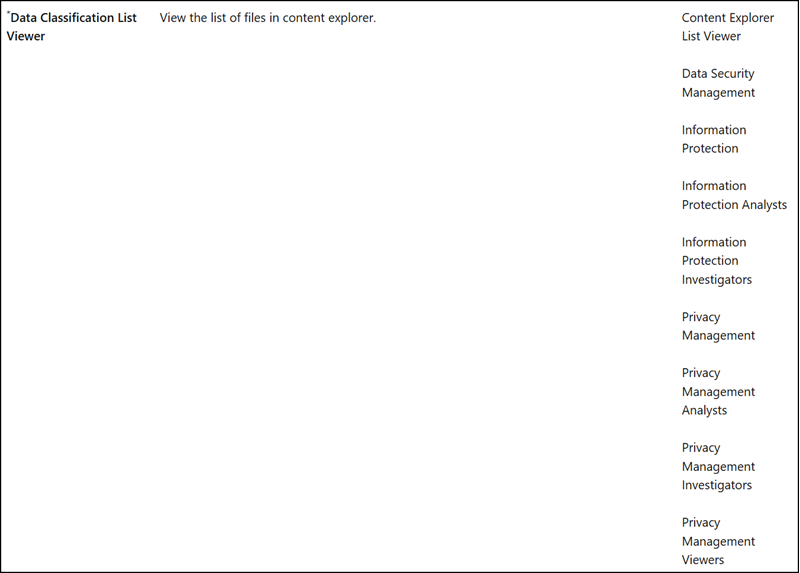
According to the Purview role documentation, the Data Classification List Viewer role is included in the following role groups.
- Content Explorer List Viewer
- Data Security Management
- Information Protection
- Information Protection Analysts
- Information Protection Investigators
- Privacy Management
- Privacy Management Analysts
- Privacy Management Investigators
- Privacy Management Viewers