
How to enable Preview features in the new Outlook

The new Outlook for Windows also includes two release modes: a standard (default) mode and a targeted release mode. Unlike in Teams or Loop, users cannot temporarily switch between the modes.
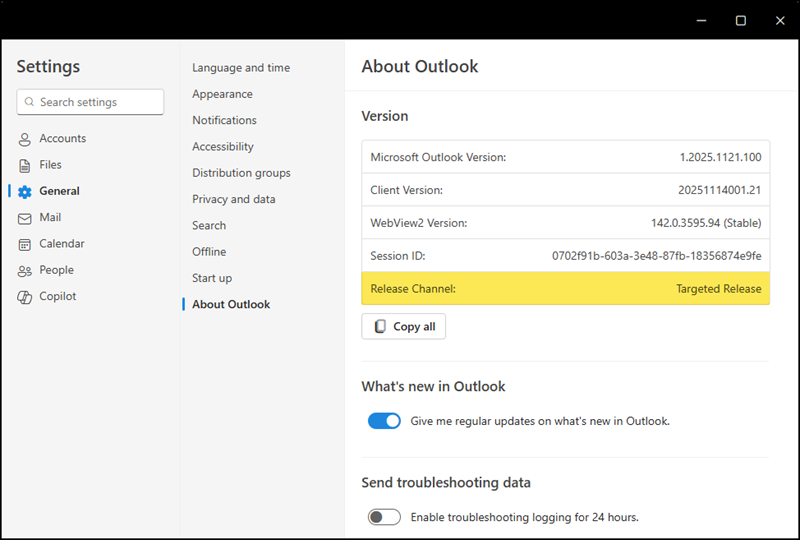
The new Outlook in targeted release mode

Outlook shows no release channel information if standard release is active.
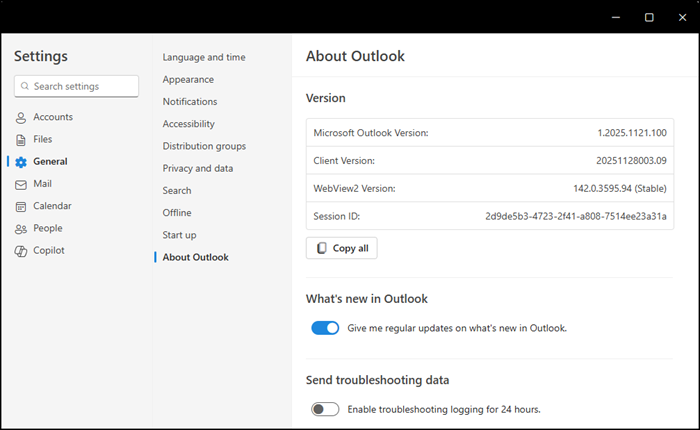
The new Outlook in standard release mode (the release channel is not visible)

The release notes for the new Outlook provide insights into the differences between Targeted Release and Standard Release.
Currently, both release modes use the same version numbers, and there doesn’t seem to be a rollout schedule like you know from Outlook Classic. The standard release notes provide more detail, while the targeted release notes tend to be general.

Unfortunately, the release mode in the new Outlook is controlled by the global release preferences in your Microsoft 365 tenant, not the Office Cloud Policy service or the Microsoft 365 Apps Admin Center, which you might expect.
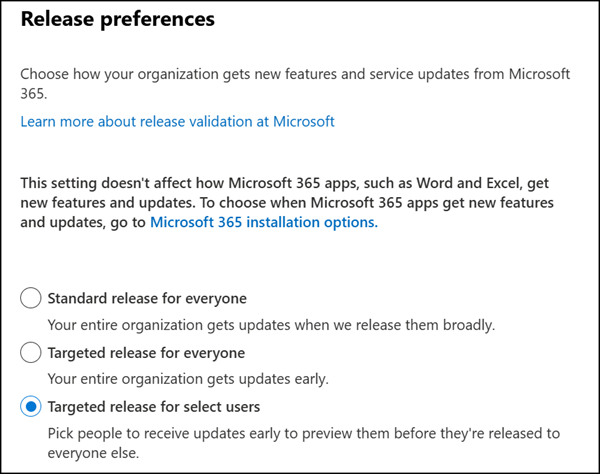
Tenant release preferences control the release mode for the new Outlook
  1. The first challenge is that this setting applies to the entire Microsoft 365 suite, not just the new Outlook.
  2. The second challenge is the configuration does not support Entra ID groups; only direct user assignments are allowed.
  3. The third challenge is your users are locked into either targeted or standard release mode, as there is no easy way to switch between them.

Share
Avatar photo

Tobias Asböck

Tobias is a Senior System Engineer with more than 10 years of professional experience with Microsoft 365 products such as SharePoint Online, SharePoint Premium, OneDrive for Business, Teams Collaboration, Entra ID, Information Protection, Universal Print, and Microsoft 365 Licensing. He also has 15+ years of experience planning, administering, and operating SharePoint Server environments. Tobias is a PowerShell Scripter with certifications for Microsoft 365 products. In his spare time, Tobias is busy with updates in the Microsoft 365 world or on the road with his road bike and other sports activities. If you have additional questions, please contact me via LinkedIn or [email protected].

Leave a Reply

Your email address will not be published. Required fields are marked *