Administrators who manage roles in the Microsoft Purview admin portal are getting new views on the Role groups and Settings pages, letting them look up role group assignments by role, by member, or by their own permissions.
This update improves visibility and manageability. Existing role group assignments and permissions are not affected.
Timeline
The rollout should be completed by August 2026.
How does this affect your organization?
Previously, Compliance administrators had to manually cross-reference role groups, roles, and members to determine which permissions each account or group had in Microsoft Purview.
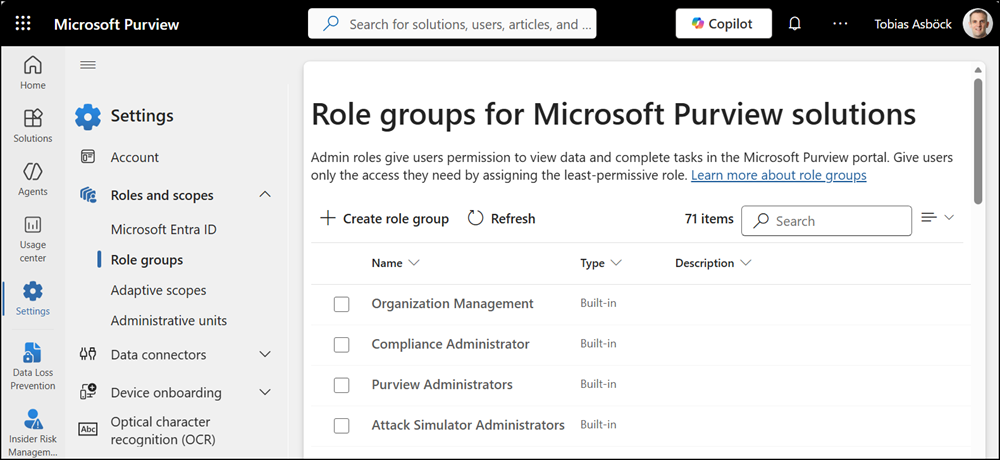
Now, Microsoft is introducing a new Role groups page to simplify the permission overview and management, with four pages. Each page lets administrators search and sort directly by role, member, or their assigned permissions.
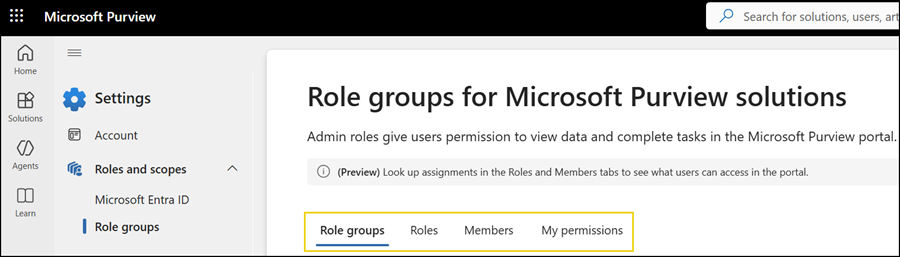
Role groups
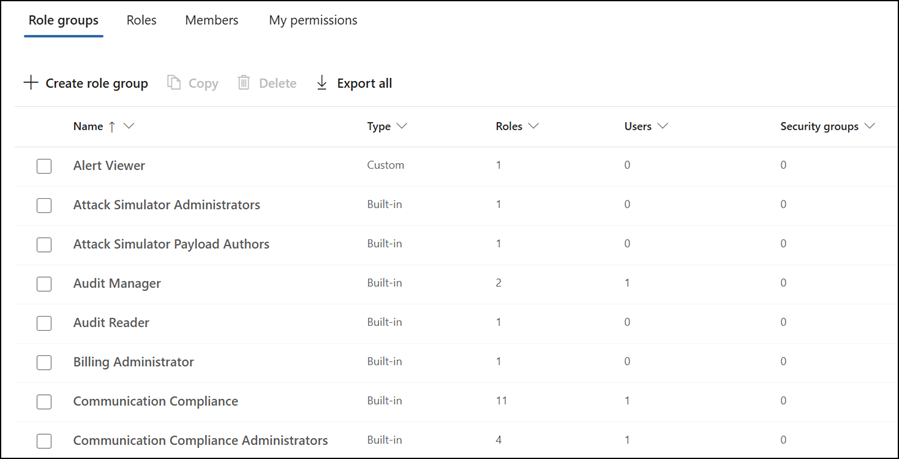
Includes an update to the previous page, which lists all role groups offered by Microsoft Purview. A role group includes specific Purview roles. Administrators can now also see how many roles are included in a role group, and how many user accounts or Entra ID security groups are assigned to the role groups.
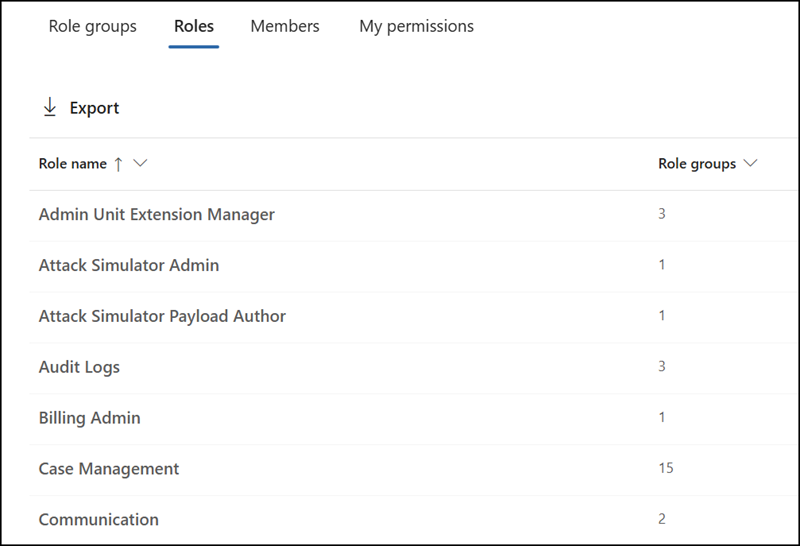
Roles
A Purview role is part of one or multiple role groups. The Roles page includes all Purview roles and the number of assignments to a role group.
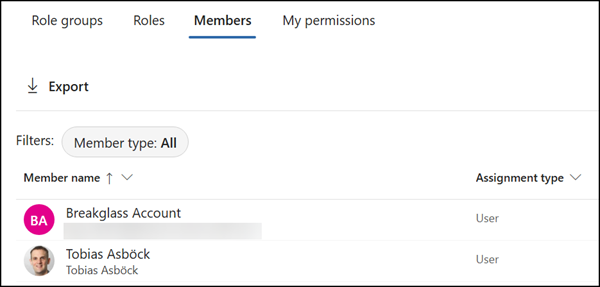
Members
Members list all users with at least one role assignment, and how it was assigned. Administrators can open the account to view and update the assigned roles and role groups.
My permissions
Administrators or users with specific Purview roles can find all the role groups assigned to their account on this page. The page shows which role group is assigned, whether the role is coming via an Entra ID administrator role, and the administrative unit (if used).