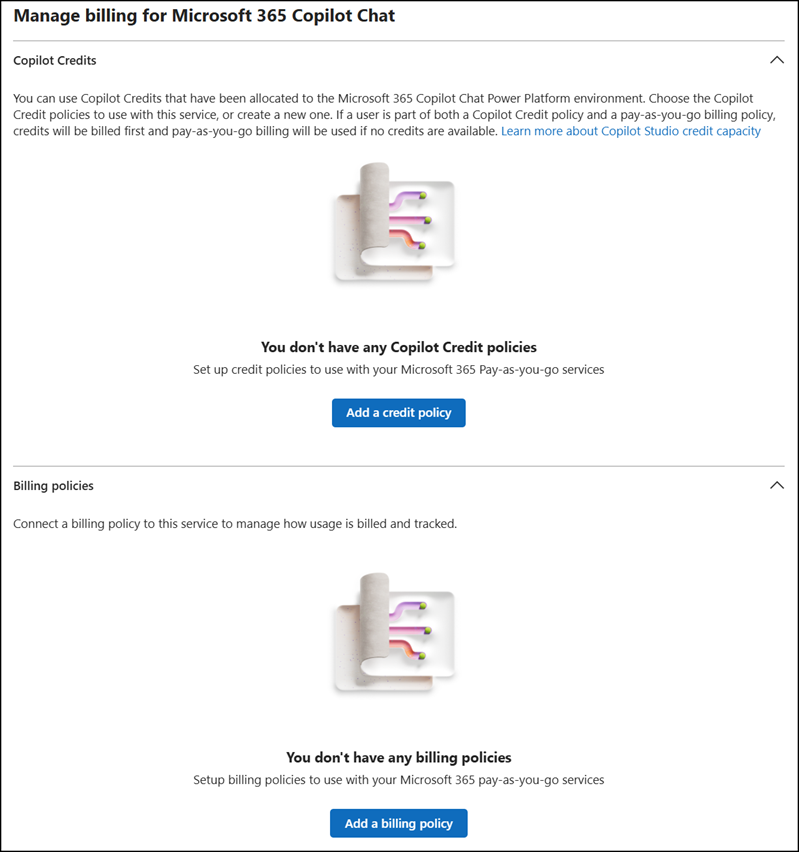
Organizations can now use prepaid Copilot Credits for Microsoft 365 Copilot Chat without enabling Pay-as-you-go (PAYG) billing. At least one Copilot Studio capacity pack is required.
This enhancement applies to users without a Microsoft 365 Copilot license. Licensed users are not subject to PAYG billing or Copilot Credit charges.
Timeline
The rollout should be completed in May 2026.
How does this affect your organization?
Microsoft is extending the billing policies in the Microsoft 365 admin center to support prepaid Copilot Credits instead of an Azure subscription. Prepaid Copilot Studio capacity packs can now be consumed independently of PAYG billing.
A new Copilot Credit policy type is available alongside the classic billing policy, so connecting an Azure subscription is no longer required for the supported services.
Copilot Credit policies are supported for the following services:
Copilot usage draws from the shared pool of prepaid credits, follows administrator-defined policies when configured and will not exceed prepaid capacity when PAYG is disabled. Unlike an Azure subscription, billing policies with a prepaid capacity support a hard cut.
- You need at least one Copilot Studio capacity pack in your tenant; without one, the Copilot Credits option will not appear in the billing policies.
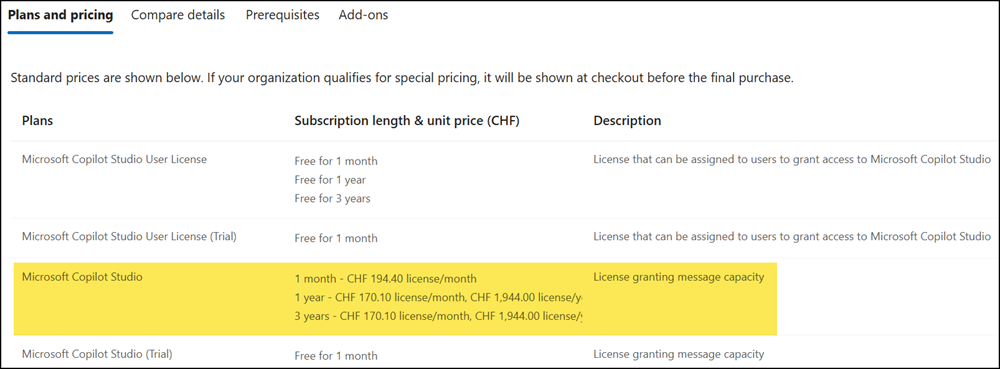
- By default, no Copilot Credit policies are created automatically, and existing capacity packs remain unchanged. AI administrators who want to allocate credits to specific departments or user groups must create policies manually.