Microsoft is updating the Access Request and Access Denied page experience across Microsoft 365 with a visual refresh, affecting all users who request access to content stored in SharePoint and OneDrive.
Timeline
The rollout should be completed in May 2026.
How does this affect your users?
Since SharePoint was introduced, users without access to SharePoint or OneDrive content have seen this message.
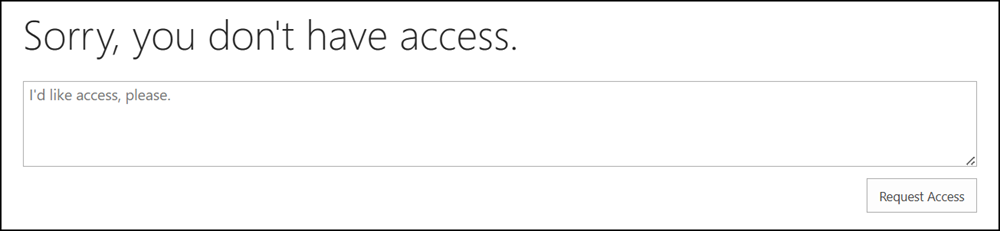
Users will now see a redesigned Access Request page when attempting to access restricted content.
Microsoft has redesigned the page, and there is nothing about Copilot on it. A rare thing these days. The updated page is intended to indicate the missing permission and to clarify the status of an access request to the requester.
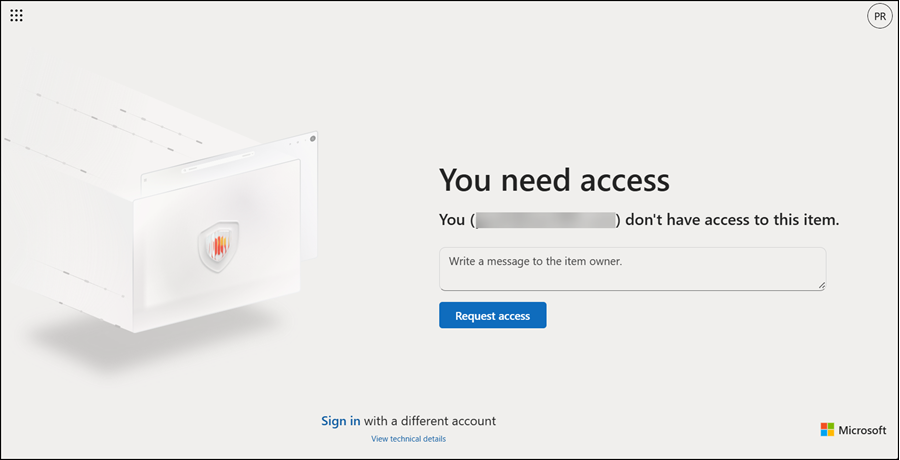
If Access Requests are enabled, users can request access and view the history and status of their requests.
Worth noting: the date and time format in these access request messages is not connected to the site collection regional format, the user’s preferred regional format settings, or the global regional settings in My Account. It seems Microsoft has hardcoded it to the US format (at least for sites in English).
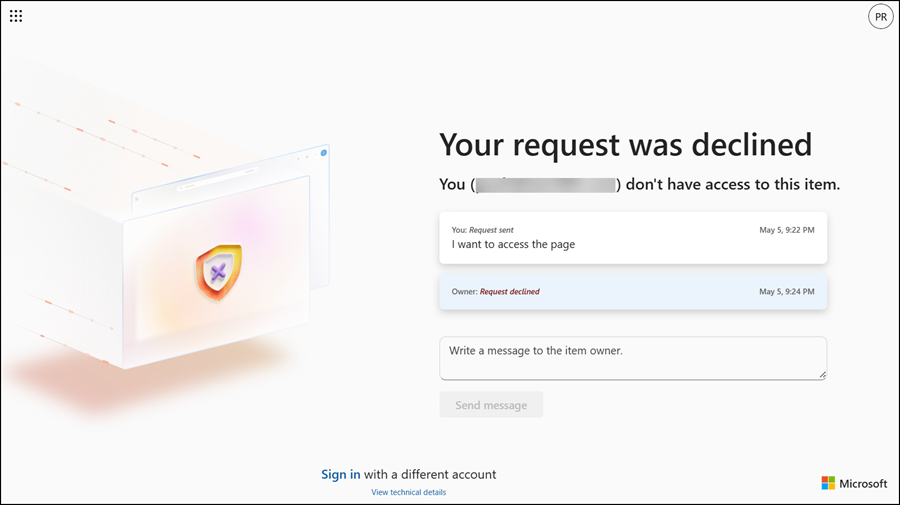
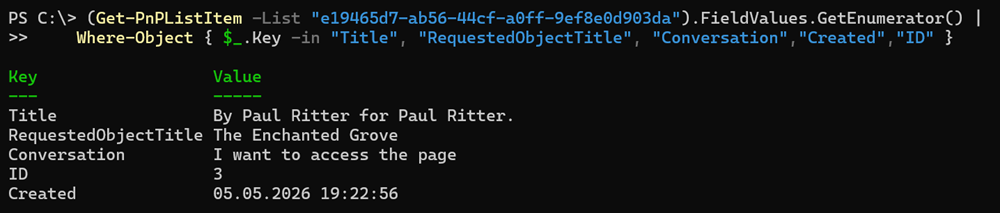
The history of access requests is stored in the access request list, which is a hidden list, in case you need to delete those requests and their history.

Check for the Conversation property.