
Microsoft 365 Copilot has been enhanced with new editing capabilities in PowerPoint, making it easier to create and refine presentations through natural conversation.
Users with a Microsoft 365 Copilot license can now ask Copilot to generate slides, update content, improve layouts, and polish designs, without leaving their presentation.
Copilot displays messages describing what it is doing at each step. Depending on the number of slides, the process can take some time. Existing formatting, structure, and branding are preserved throughout. If the result is not as expected, use the built-in version history to revert to a previous version.
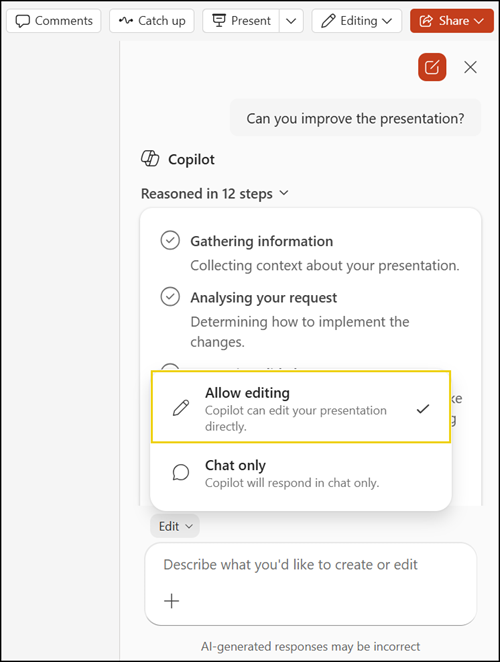
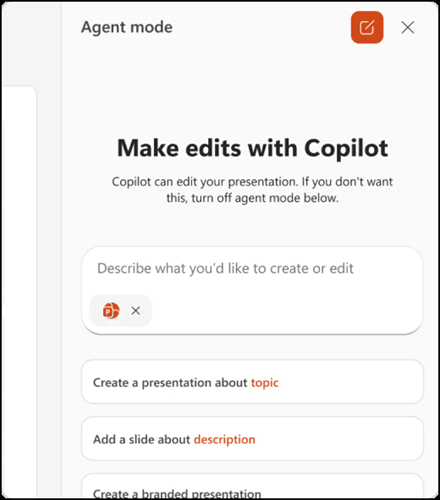
Previously, the editing option was Agent mode in PowerPoint (in Frontier).
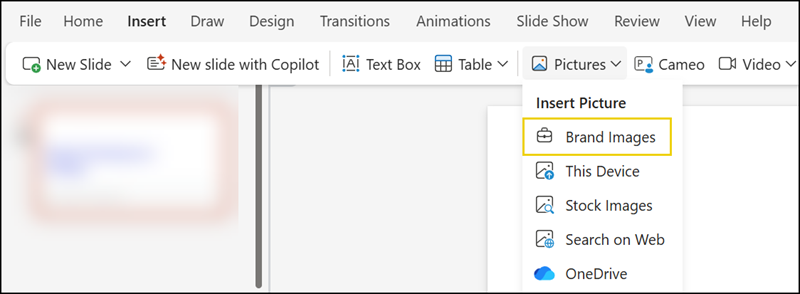
Copilot also connects to an organization’s brand kit, allowing users to apply branded templates, insert brand-approved images, and verify that their presentation meets brand guidelines.
The new editing feature works whether users are starting a new presentation from scratch or building on an existing one, and is available in PowerPoint on Windows, Mac, and the web.
