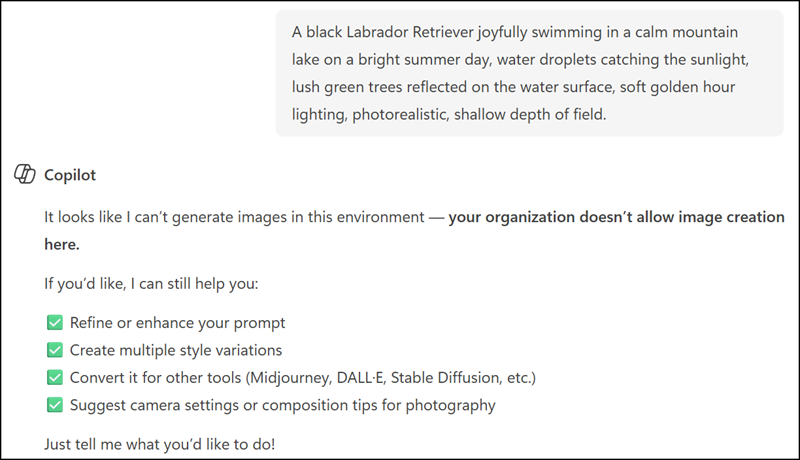
In February, Microsoft retired Microsoft Designer in Teams.
Microsoft is rolling out a new set of visual controls in Microsoft 365 Copilot Chat, called Designer tools, that give users more hands-on ways to shape and refine images and visual content generated with Copilot across supported Microsoft 365 applications.
Designer tools are available to users with and without a Microsoft 365 Copilot license. Copilot Basic users have standard access, while Copilot Premium users (users with a Microsoft 365 Copilot license) have priority access.
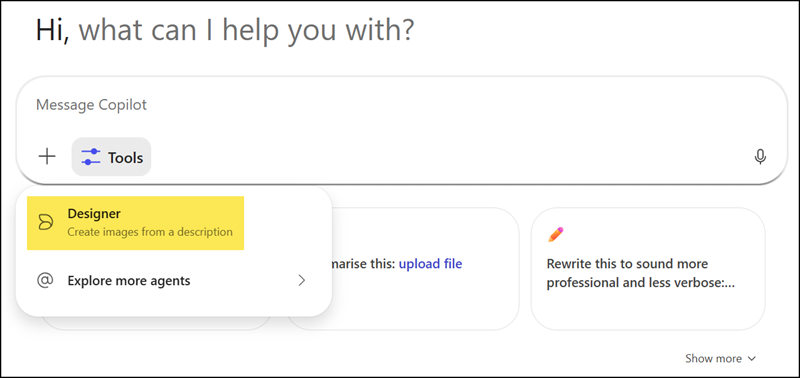
Note:
Depending on the rollout state in your tenant, the new unified Plus (+) menu may already be available in Copilot Chat, replacing the Tools menu.
Designer tools should give users guided controls to adjust visual outputs and fine-tune prompts without having to start from scratch each time. The goal is to make image creation more intuitive, reducing the back-and-forth that often comes with generating visuals through text prompts alone. Users can iterate more effectively and get closer to the result they have in mind with less effort.
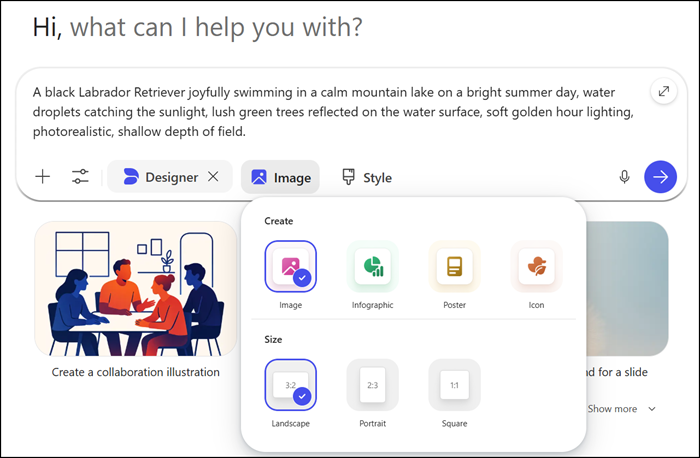
As it is still Microsoft Designer, users can enhance, crop, and optimize images.
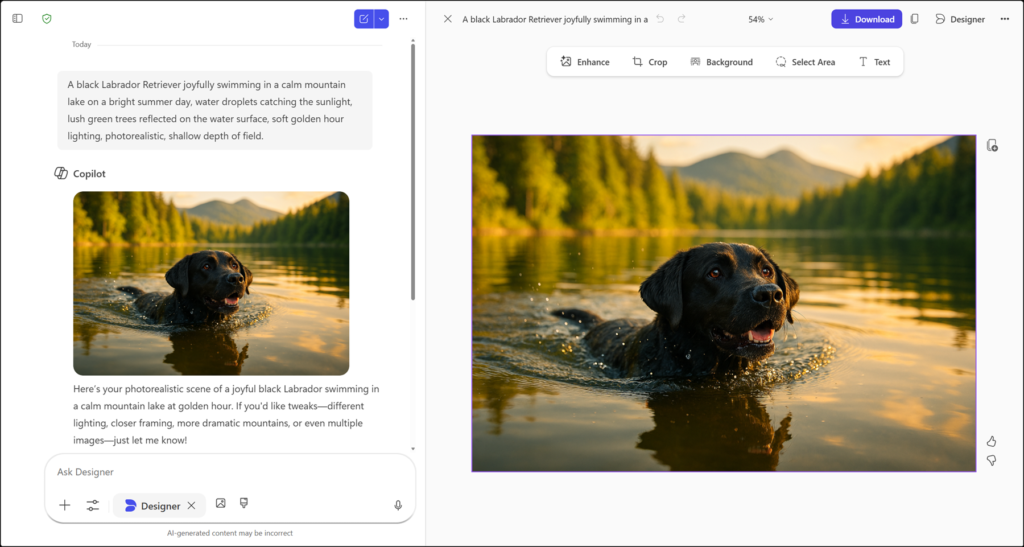
All images are stored in the image library by default and can be downloaded in some formats.
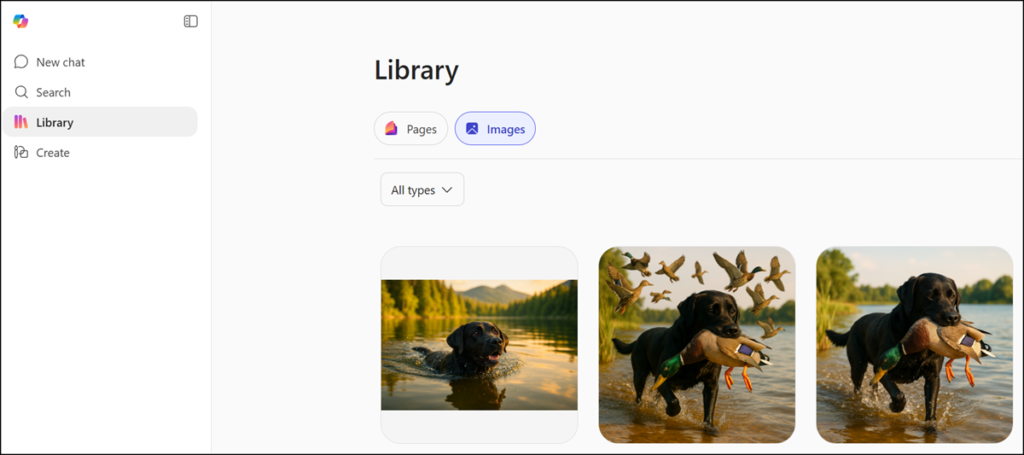
Editing an image from the library starts the process from scratch with new AI-generated output.
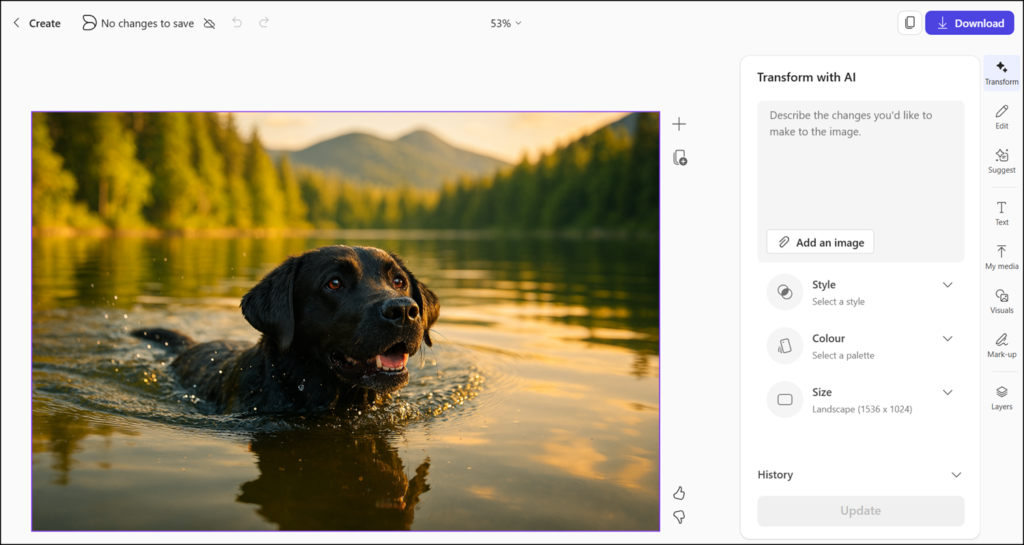
- Designer tools are available by default to all users with access to Copilot image creation experiences across Microsoft 365 applications by April 2026.
- Designer tools are available but restricted when Copilot image generation is disabled.