
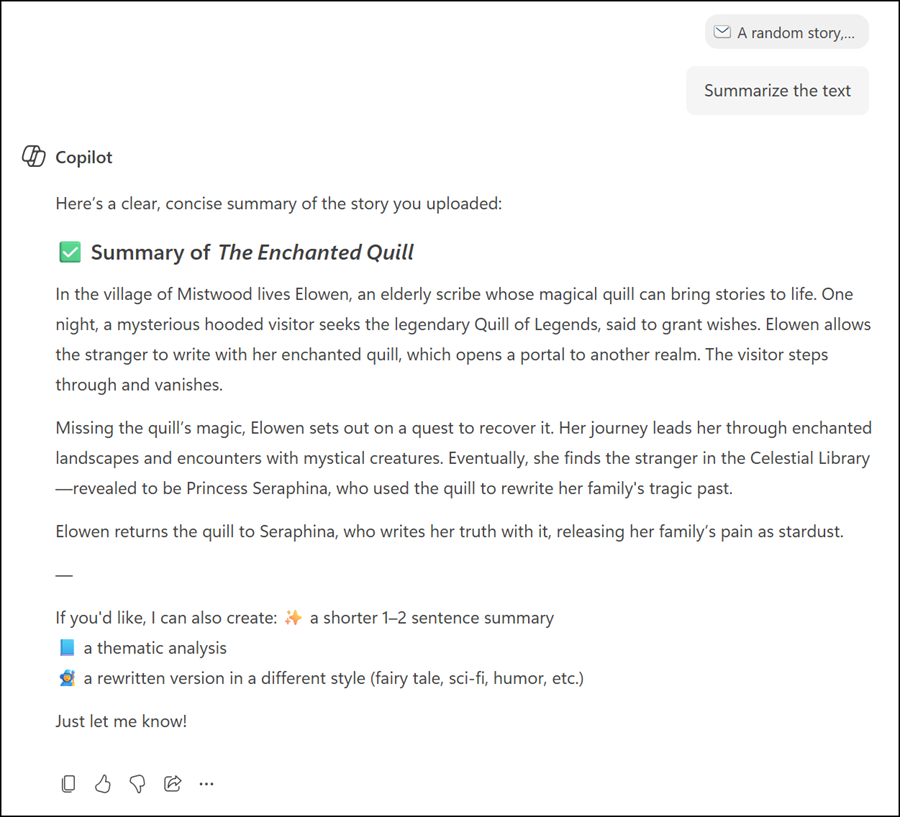
Microsoft 365 Copilot will soon support uploading email file formats such as .eml and .msg directly in Copilot Chat and the Microsoft 365 Copilot app. Users can attach saved email files to their prompts, giving Copilot more context and helping it generate more accurate, relevant responses.
Previously, users had to manually copy and paste email content into their prompts to provide that context.
If the rollout is not yet complete, users will see an error referencing the supported file formats.
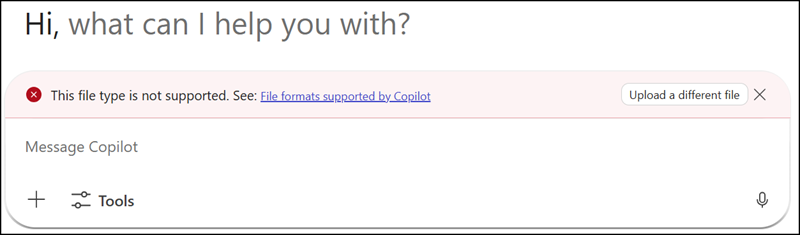
Once the rollout is complete, users can simply upload/attach the email file, making the process faster and more straightforward.
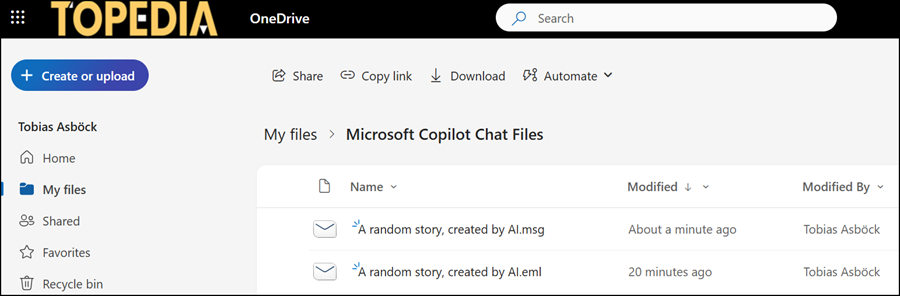
All uploaded email files are stored in OneDrive in the “Microsoft Copilot Chat Files” folder.
- This feature is available to all users with access to Microsoft 365 Copilot Chat or the Microsoft 365 Copilot app.
- A Microsoft 365 Copilot license is not required, but users must have a OneDrive.
- The rollout should be completed by late March 2026.
