
Microsoft has enhanced the OneDrive process for employees leaving the organization to simplify file management. The change should improve visibility, streamline bulk transfers, and help ensure important content remains accessible and appropriately shared across OneDrive for work and school accounts.
Timeline
The rollout should be completed by the end of January 2026.
Updated 21 February 2026:The rollout should be completed by April 2026.
Updated 17 April 2026:
The rollout should be completed by May 2026.
How does this affect your organization?
Managing OneDrive content for departing employees should become more efficient and predictable.
Previously, the manager of a departing employee received a plain-text email within 24 hours after the employee’s account was deleted. Seven days before the retention period ended, a reminder email warned that the OneDrive would be permanently deleted in seven days.
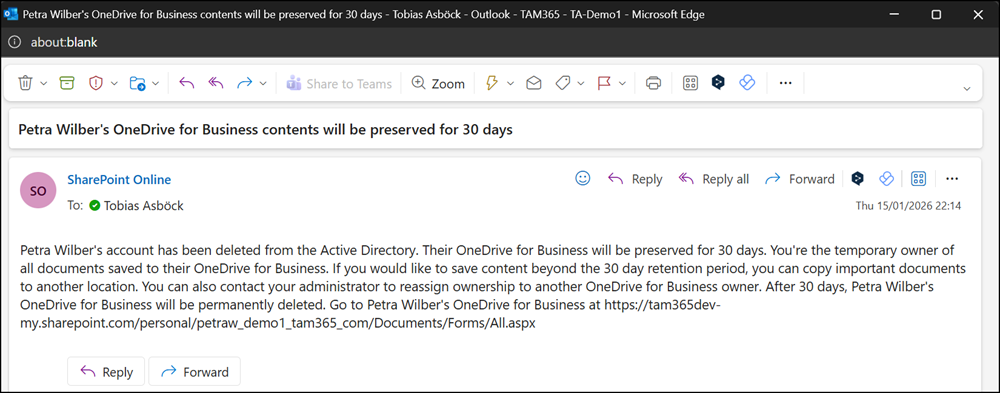
Over the past few months, I repeatedly simulated a departing user to track when Microsoft would roll out this change. My latest test this week triggered the redesigned departing notification.
The new notification includes the exact deletion date for OneDrive, rather than the vague “in 30 days” message. It also includes a direct link to the OneDrive and assistance with granting access to another user.
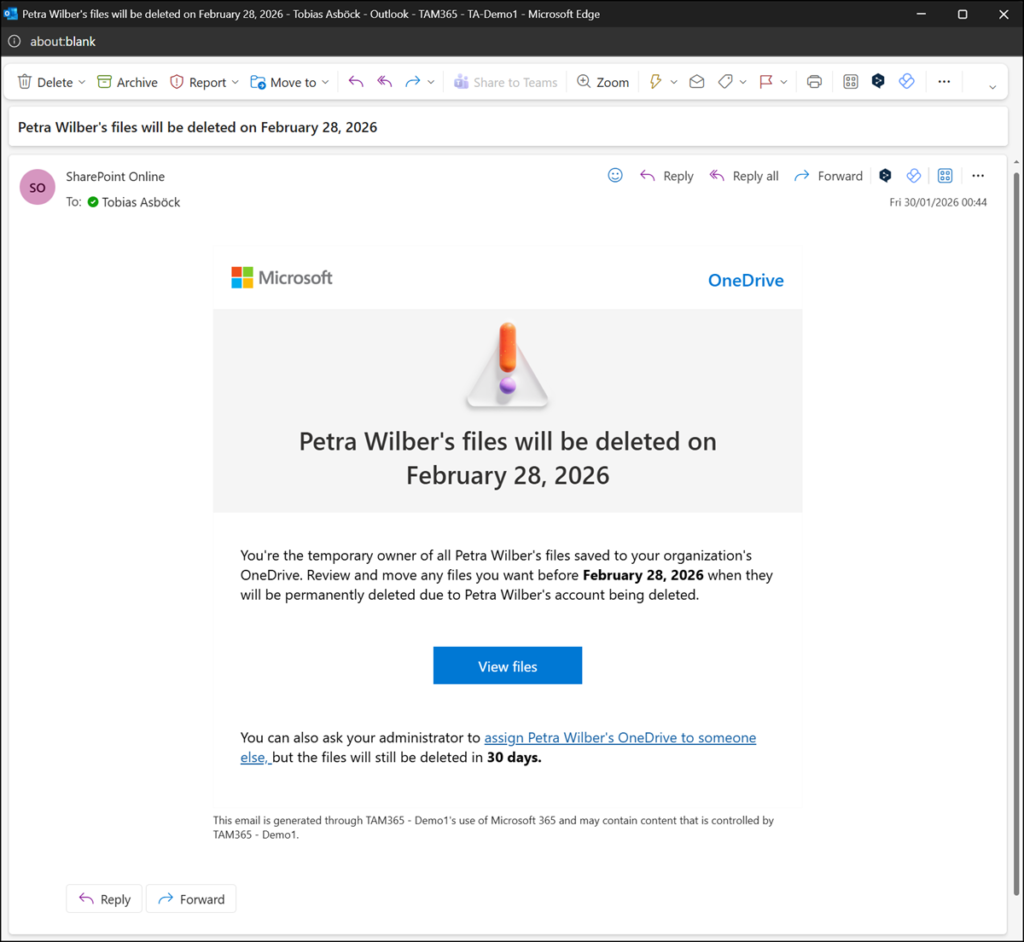
As before, the system adds the manager as a site collection admin to the employee’s OneDrive. I do not recommend this approach, as it grants the manager broad permissions and access options.

The manager can use the direct link in the notification email to access the OneDrive and copy, move, modify, delete, or download files. This behavior has not changed, as the manager was already a site collection admin during the previous departure process.
Moving shared files can preserve existing sharing permissions and notify collaborators about the new file location. As an improvement, when six or more files are moved, collaborators receive a single consolidated notification.
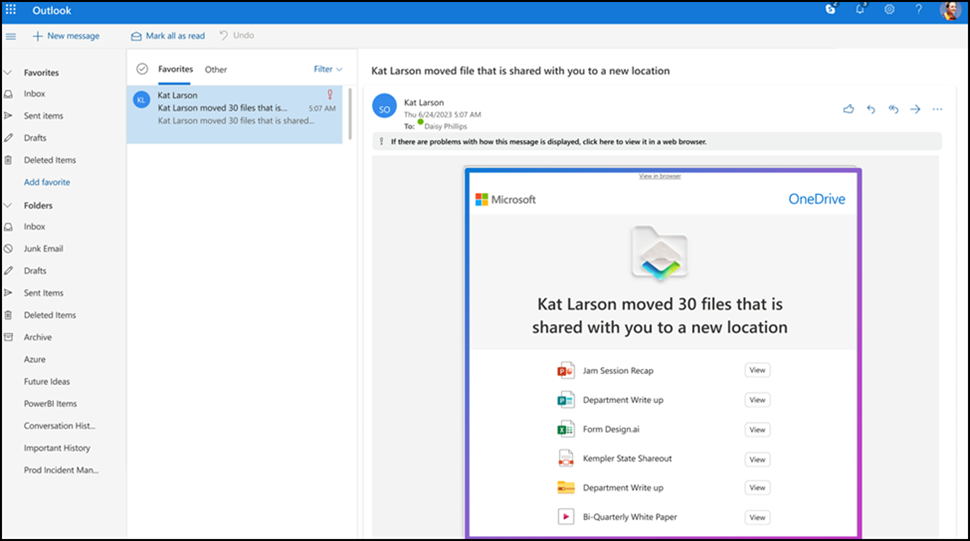
From my perspective, the main change compared to the previous process is the redesigned notification.
Unfortunately, Microsoft still relies on the site collection admin approach, which is unnecessary for a manager and does not follow the least-privilege principle Microsoft recommends.
To use the departure process, make sure the following prerequisites are in place:
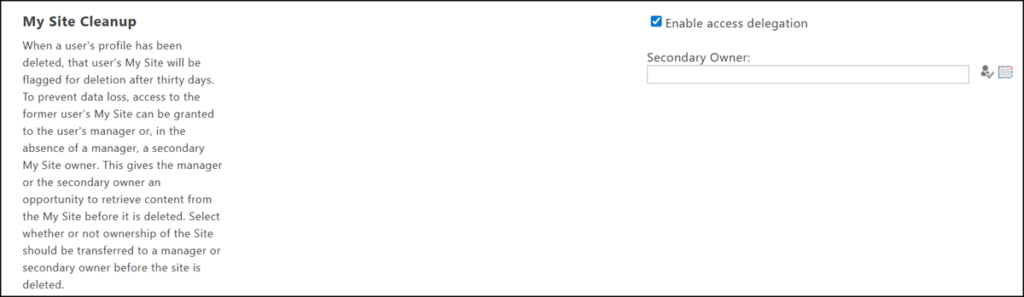
- Enable My Site access delegation in the SharePoint admin center.
- Keep the manager assigned to the Entra / Active Directory account.
- Delete the Entra / Active Directory account. OneDrive access delegation begins within a few hours of deletion.
- Good luck with the notification language in a multilingual organization.
