
Viva Engage communities now support Microsoft Purview sensitivity labels applied to Microsoft 365 groups and their connected SharePoint sites.
This update should align community privacy and governance with existing Microsoft 365 labeling capabilities, helping organizations apply consistent privacy and access controls across Viva Engage, Microsoft 365 groups, and SharePoint.
Timeline
The rollout started on 31 March and should be completed in April 2026.
How does this affect your organization?
Viva Engage communities will honor Microsoft Purview sensitivity labels assigned to the underlying Microsoft 365 group and connected SharePoint site. Labels and their access restrictions will synchronize across Viva Engage, Microsoft 365 groups, and SharePoint for consistent governance.
By default, existing Viva Engage communities will not automatically receive sensitivity labels unless a label has already been assigned to the underlying Microsoft 365 group. Community owners can also assign a sensitivity label manually.
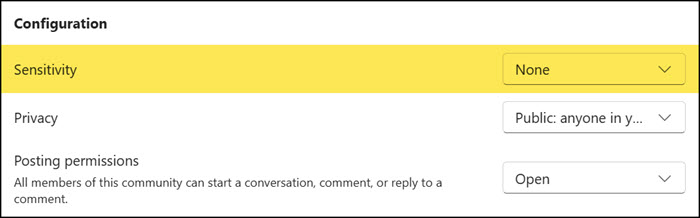
Labels on communities can define whether a community is public or private, but all Engage communities remain discoverable to all users regardless of the sensitivity label, for example, when browsing all communities. Labels do not create hidden communities. Nevertheless, labels and their access restrictions will still synchronize across Viva Engage, Microsoft 365 groups, and SharePoint for consistent governance.
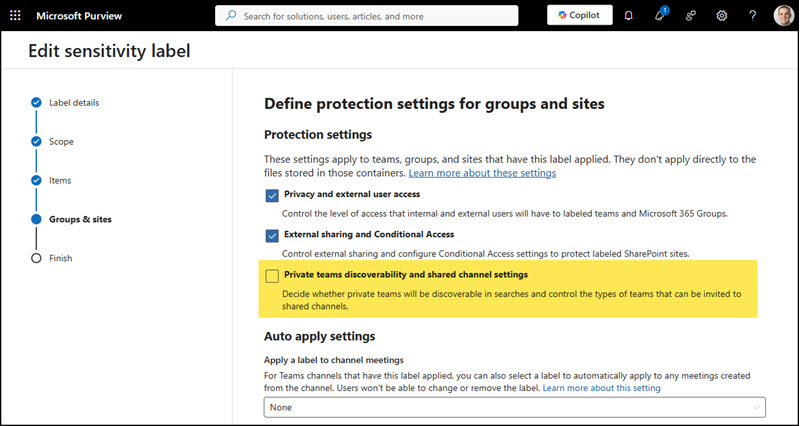
Private communities also appear in Viva Engage search results. Users cannot read the content unless they are a member.
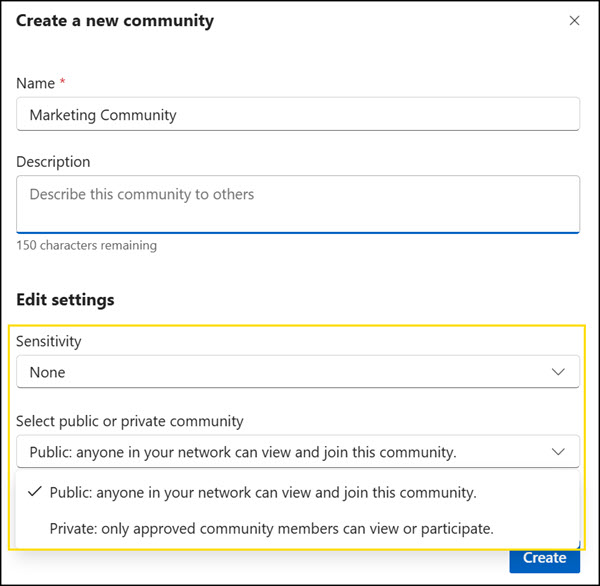
If a “private” label has already been assigned to the underlying Microsoft 365 group, that community can now be updated to private.
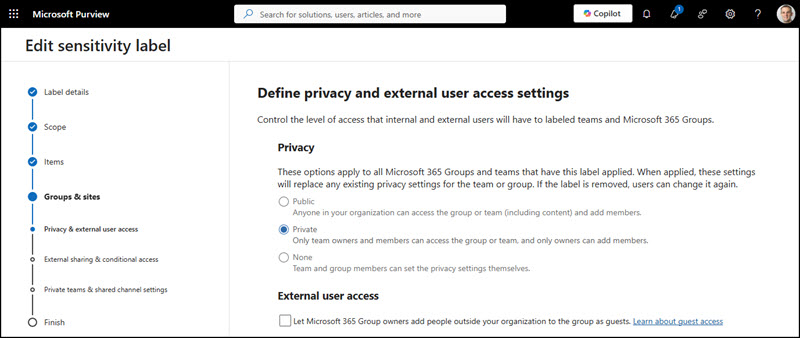
The label is added to the community information.
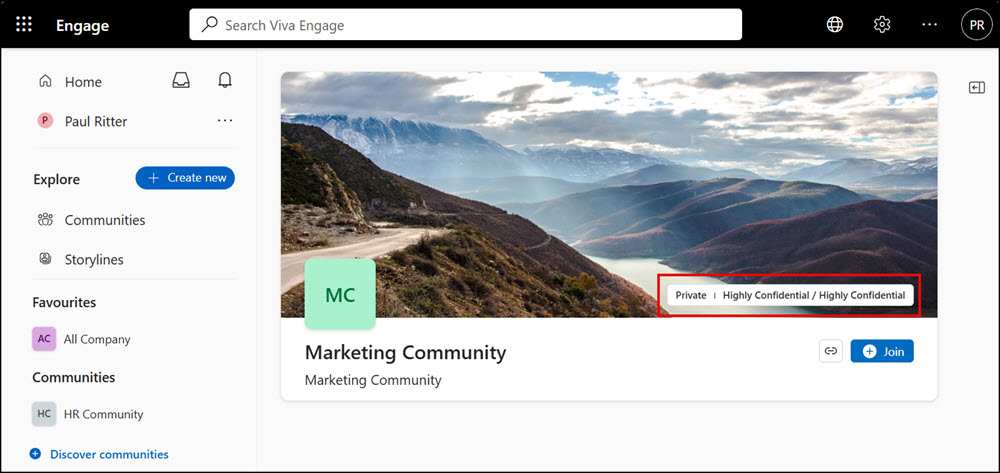
As Microsoft notes, this may be relevant if communities are provisioned via the Graph Community API. When communities are created via the community endpoint, the label is not set in the call. This release does not include Graph API support for setting labels directly on communities. After creation, the label can be applied via PowerShell targeting the linked Microsoft 365 group or SharePoint site, and the change will sync to Engage.
