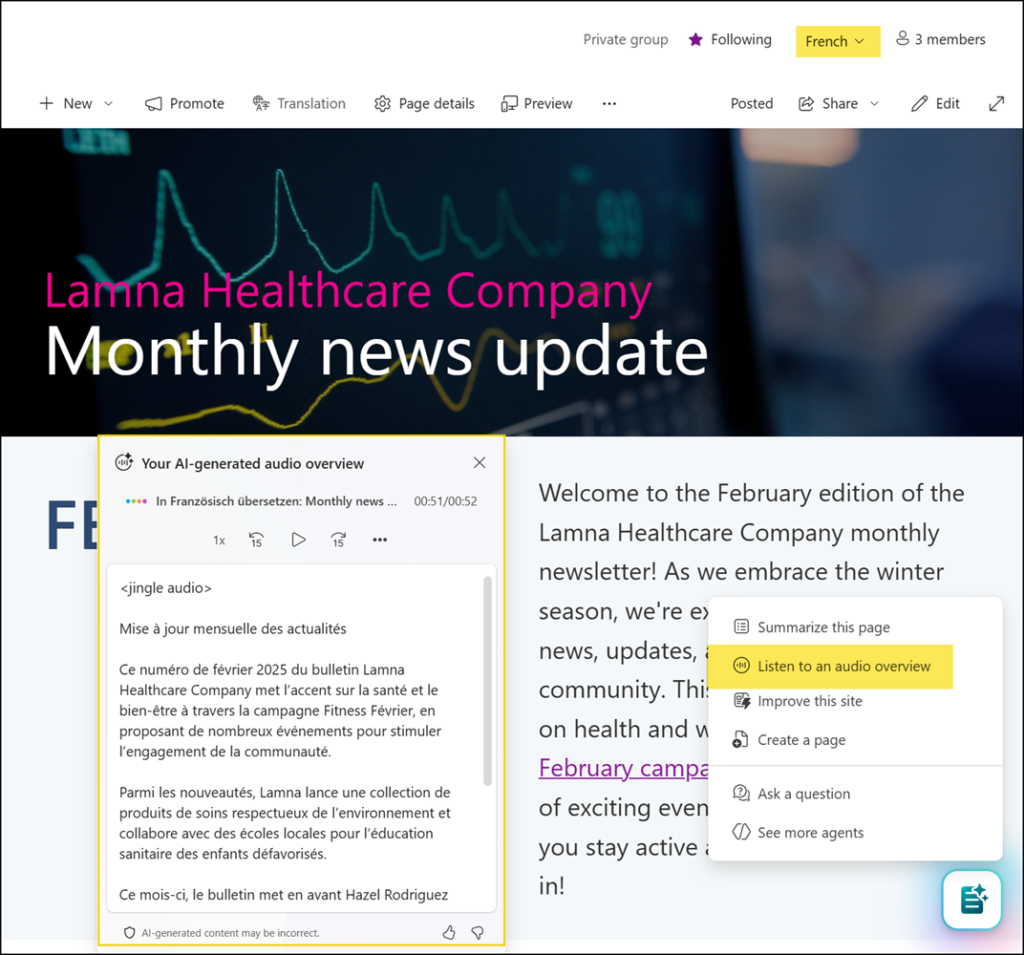
Microsoft has enhanced AI-generated audio briefings in Viva Connections and SharePoint. This update brings broader language support to the Viva Connections news reader and introduces AI-generated audio summaries for SharePoint site pages and news posts.
Timeline
The rollout should be completed for users with a Microsoft 365 Copilot license. Government tenants are excluded from this rollout.
What is changing?
In October 2025, Microsoft introduced AI-generated audio briefings in Viva Connections for users with a Microsoft 365 Copilot license.
These briefings are designed for listening on the go, such as on public transport, in the car, or in other situations away from a desk, but can also be used on a desktop PC.
Previously, AI-generated audio briefings were available only for news in English. If the system read the latest 10 news items and one was in German, it went silent for a few seconds and displayed a message indicating the language was not supported.
This update introduces the following improvements:
Audio briefings in multiple languages
Viva Connections in Teams and Teams Mobile now supports AI-generated audio briefings for the latest 10 personalized news items in the user’s configured language. News items are translated by AI and read aloud in the user’s profile language, or the device language if no profile language is set. I tested this with news in German and French, both translated into English, but I was unable to find a list of supported languages.
Audio summary for SharePoint site pages and news posts
Users can now generate AI-generated audio summaries in the SharePoint site or page language when AI in SharePoint (formerly known as SharePoint Knowledge agent) is enabled. Users need a Microsoft 365 Copilot license to interact with AI in SharePoint. AI in SharePoint is in Public Preview.
The language used by the AI depends on the multilingual configuration of the site:
- Multilingual support is not enabled for SharePoint pages and news posts
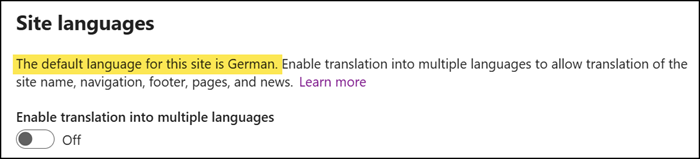
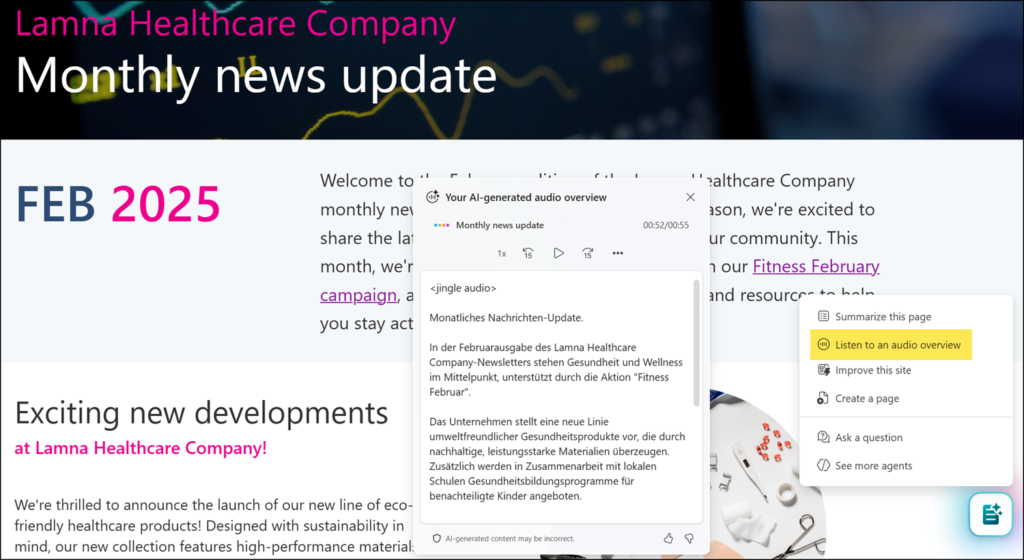
AI in SharePoint uses the site collection’s default language to generate the audio summary. Since SharePoint creates the initial version of a new page in the site collection’s default language, the audio summary will always be in that language, regardless of the language used in the page content. Like in my sample, it will translate and summarize the content.
- Multilingual support is enabled for SharePoint pages and news posts
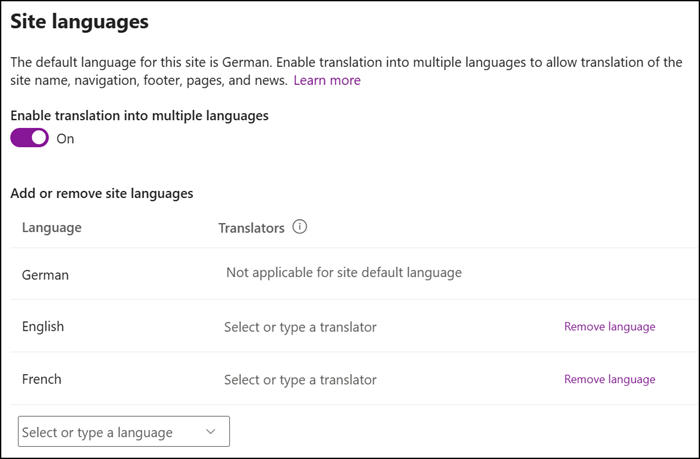
AI in SharePoint uses the selected page language to generate the summary, even if the page has not yet been translated. It summarizes the content and delivers it as an audio overview in the page language.