
The SharePoint list agent for users with a Microsoft 365 Copilot license, introduced at the last Ignite, is now generally available. Previously, the agent was accessible to users in the Frontier Program.
With general availability, Microsoft enables the agent by default for Copilot-licensed users. Users with the role AI Administrators can still control the availability via Agent 365.
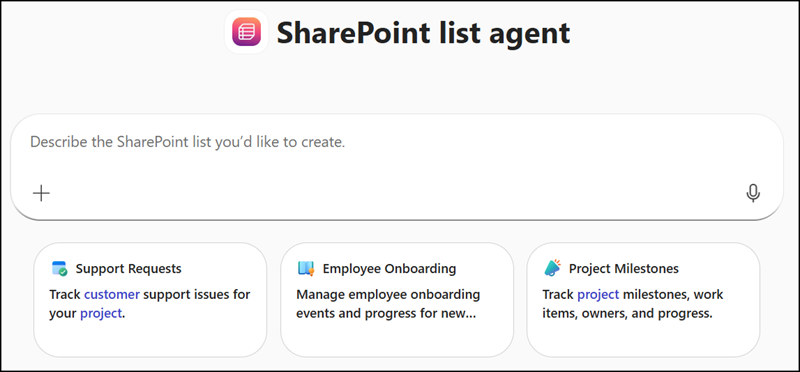
Explain your use case for end users.
SharePoint list agent
I help you turn ideas, notes, or existing information into clear, well‑structured SharePoint or Microsoft Lists. Instead of manually defining columns, guessing field types, or copying data, you can describe what you want to track or paste sample content. I analyze it, extract the structure, and prepare a list with meaningful columns and organized rows.
You can use me whenever you need to manage tasks, assets, projects, events, requests, inventories, or any information that benefits from being captured in a list. If you’re unsure how the list should look, I can propose a suitable structure. If you already know what you need, I can refine or validate the layout.
Once the structure is ready, I guide you to select the SharePoint site where the list should be created and then create it for you. This helps you avoid manual setup, reduce errors, and save time.
My purpose is to make list creation simple, fast, and accurate—so you can focus on your work instead of building lists from scratch.
Instead of building lists manually, users can describe what they need in plain language during a Copilot conversation, and the SharePoint list agent will automatically create the list.
- The agent works across supported Microsoft 365 apps where Copilot is available, including Copilot Chat, Teams, Outlook, and Word. The list agent is not available in Excel.
- When Copilot generates structured content during a conversation, such as a table of project items, expenses, travel requests, invoices, or hiring information, users can convert that content directly into a SharePoint list in a single step.
- Lists can be saved to a SharePoint site or to the user’s personal OneDrive for Business, giving flexibility in where content is stored.
- The list agent is scoped to list creation only. It cannot retrieve existing lists, list items, update items, or delete lists. The agent will always clarify its purpose is to create a new list (optional, with initial rows), nothing else. At least for now.
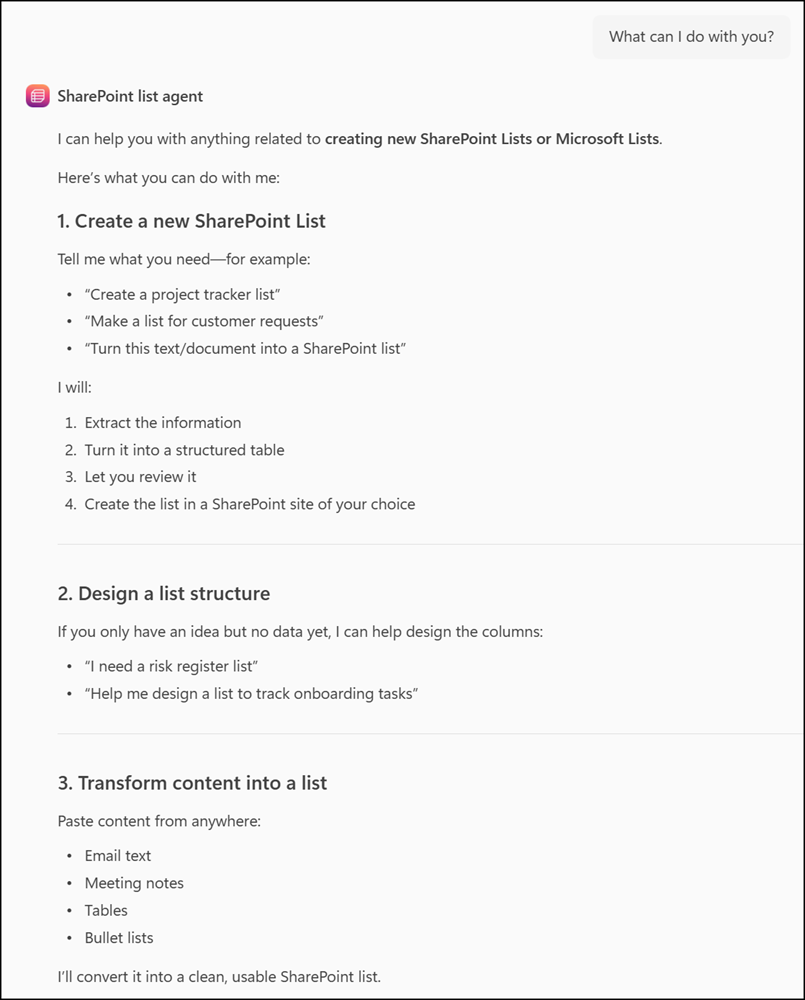
First, I thought creating a SharePoint list is one of the simplest tasks for users. But the agent’s availability in Teams, Outlook, and Word adds more value: it can analyze your existing content, propose a matching list structure, and create it without leaving your current app.
I tested this using a random Post Incident Report (PIR) in Word for a Microsoft Defender outage from last December. I asked the agent to propose a list structure based on the document.
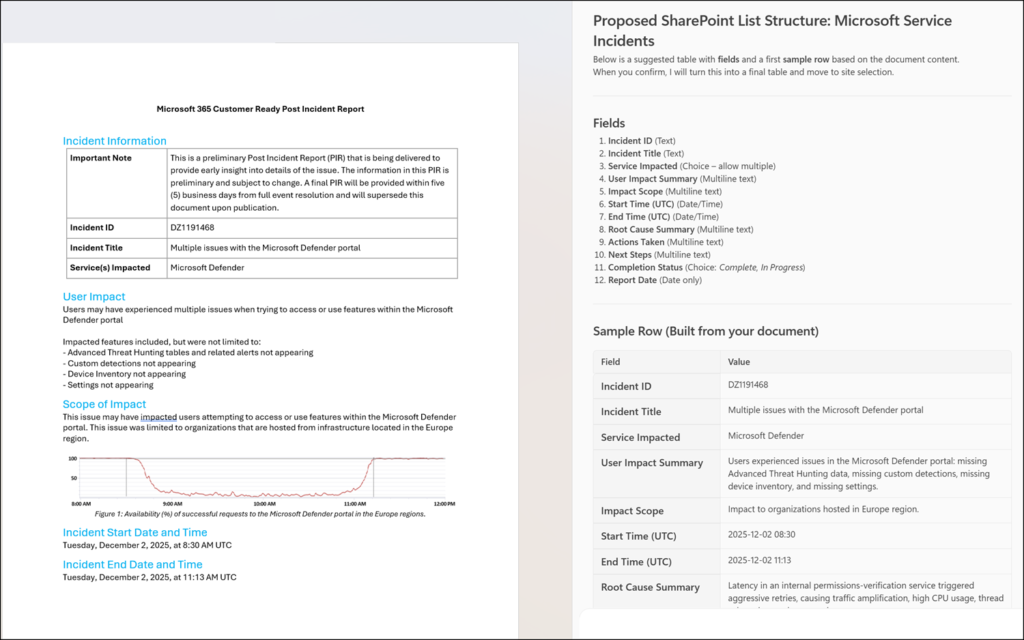
You can adjust the results before finalizing. Once satisfied, the agent creates the list on a SharePoint site or your personal OneDrive. It works as expected. Surprisingly, the agent even recommends proper internal field names by default.
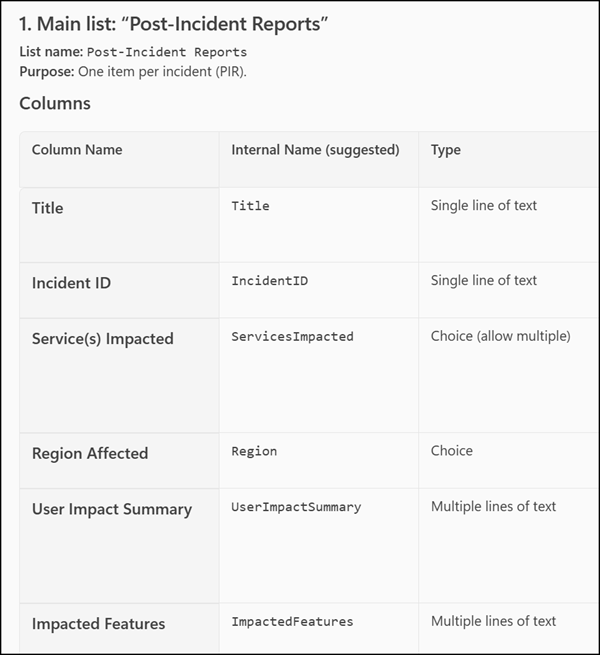
That said, if you make a mistake with list columns or field types, the agent cannot update the existing list. Instead, it will offer to create a new one. Similarly, if you have a second PIR document, the agent cannot add items to an existing list.
SharePoint list agent
I can’t add or update items in an existing SharePoint list.
The SharePoint List Agent can only create new lists, including their initial rows. Once a list already exists, any further item additions or updates must be done directly in SharePoint.
