
Microsoft introduced centralized controls for SharePoint site branding through PowerShell. Tenant admins can now enforce enterprise themes, disable custom branding on specific sites, and audit branding changes.
As part of this update, creating new themes in satellite geos is being retired (if you use a Multi-Geo setup). Theme creation and management are now centralized in the primary geo.
Timeline
The rollout should be completed in March 2026.
What is changing?
SharePoint administrators can now disable the option for site owners to access the site branding page in site settings. This update allows centralized enterprise themes (including multi-color themes) to be applied to specific sites without allowing site owners to change their site branding.
By default, site owners can set or update a SharePoint site collection’s branding settings.
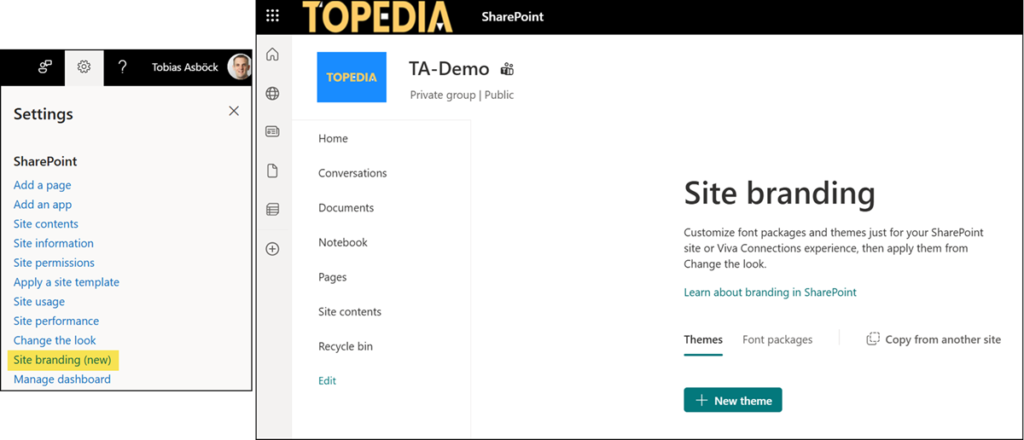
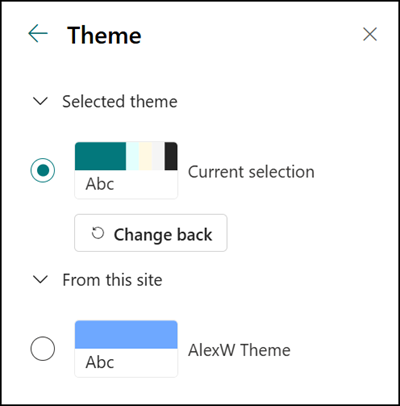
Custom themes are then available in the theme selection under “Change the look“.
Some months ago, Microsoft introduced the site collection property DisableSiteBranding. The default value is False.
DisableSiteBranding
Enables or disables site branding. When DisableSiteBranding is set to $true, the site branding is disabled on the site collection.
Previously, this setting was defined as an experimental feature.

After the rollout is complete, SharePoint administrators can set this property for each site collection.
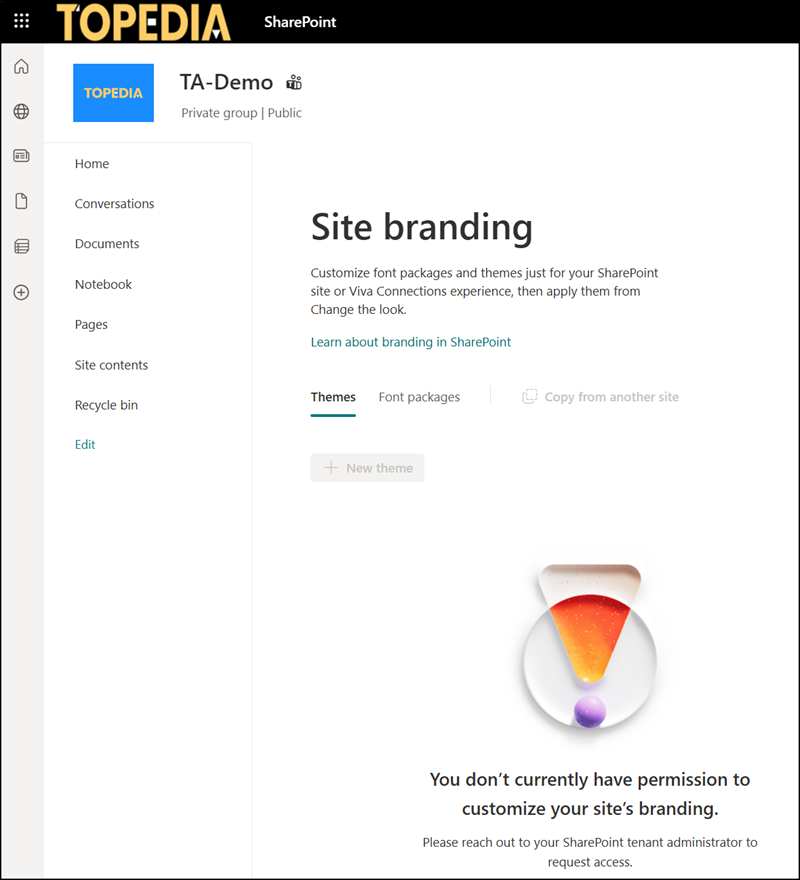
Setting it to True hides the “Site branding” option. If site owners follow the direct link, they will see that they do not have permission to update it.
SharePoint themes in a Multi-Geo setup
Microsoft has also restricted site branding capabilities for organizations with a Multi-Geo setup in SharePoint.
Theme creation must move to the primary geo, as creating new themes in satellite geos is no longer possible after the update. The primary geo is the location where a customer’s Microsoft 365 subscription was originally provisioned.
In a Multi-Geo environment, a Microsoft 365 Tenant consists of a Primary Provisioned Geography (where a customer’s Microsoft 365 subscription was originally provisioned) and one or more Satellite Geography locations.
The primary geo becomes the authoritative location for organization-wide theme creation and lifecycle, serving as the single source of truth for branding. This reduces duplicates, enables consistent governance and auditing, and simplifies distribution across geos.
Satellite geos can view and apply themes from the primary geo using Get-SPOTheme and Set-SPOWebTheme. Themes previously created in satellite geos remain available, but creating new themes in satellite geos is no longer possible.
Site branding auditing
Site branding changes are recorded in Purview Audit Logs for accountability and review. Search for the following two operations:
- UpdateDisableSiteBranding: Find who changed the site branding setting via PowerShell.
- FileUploaded with the file extension *.sptheme: Find when a site owner manually updated the site branding.

