
Makers of Copilot Lite Agents created via Agent Builder can now generate their agent icons with AI, a small but nice addition.
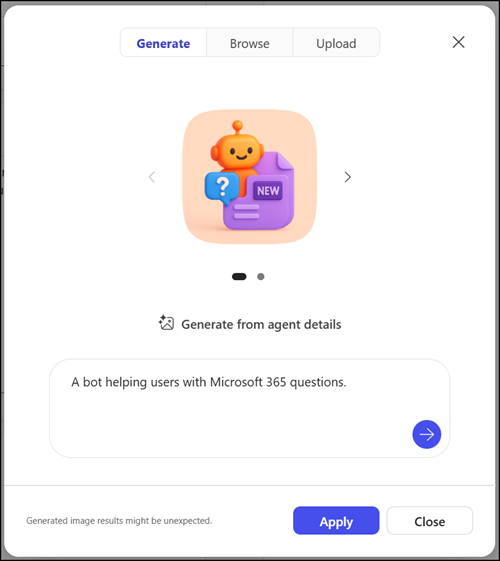
Instead of browsing stock icons or creating artwork manually, simply describe how the icon should look, using the agent’s description or a custom prompt, and get a unique icon ready for the Agent Store.
To try it, edit your Copilot Lite agent in Agent Builder, open the icon customization options, and select Generate. You can reset the icon at any time.
I tested this in a Pay-as-you-go configuration.
Microsoft does not (yet) charge users without a Copilot license for icon generation, though capacity may be limited, as unlicensed users fall under the Standard access tier.
