Microsoft is updating the Bing Maps web part in SharePoint to use Azure Maps as its data provider. This change modernizes the mapping experience, improves reliability, removes some capabilities, and aligns the web part with Microsoft 365’s long-term mapping platform strategy.
- The update affects all organizations using SharePoint Online modern pages with the Bing Maps web part.
- Several Bing Maps capabilities will be removed, including Business Entity search, Bird’s Eye and Street View map modes, and autosuggestions for Chinese, Japanese, and Korean.
- The Bing Maps web part is fully retired in China, with no replacement, as Azure Maps services are unavailable in this region.
Timeline
The rollout is scheduled between March and April 2026.
How does this affect your SharePoint users?
Users can currently add the Bing Maps web part to SharePoint pages.
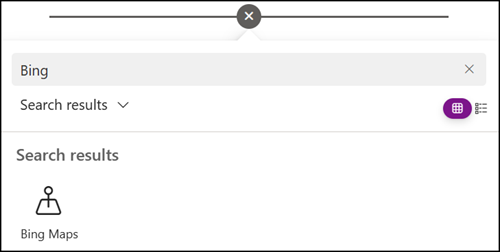
The web part will be renamed to Maps and will use Azure Maps as the backend service. Users can continue searching for places and addresses to focus the map. Organizations should add the domain atlas.microsoft.com to their network allowlist.
Microsoft is removing several options from the updated (Azure) Maps web part.
The Business Entity search (POI or organization name lookup) will be discontinued, as the underlying service retires in June 2026. The Bird’s Eye and Street View modes will also be removed, with the web part falling back to Road view.
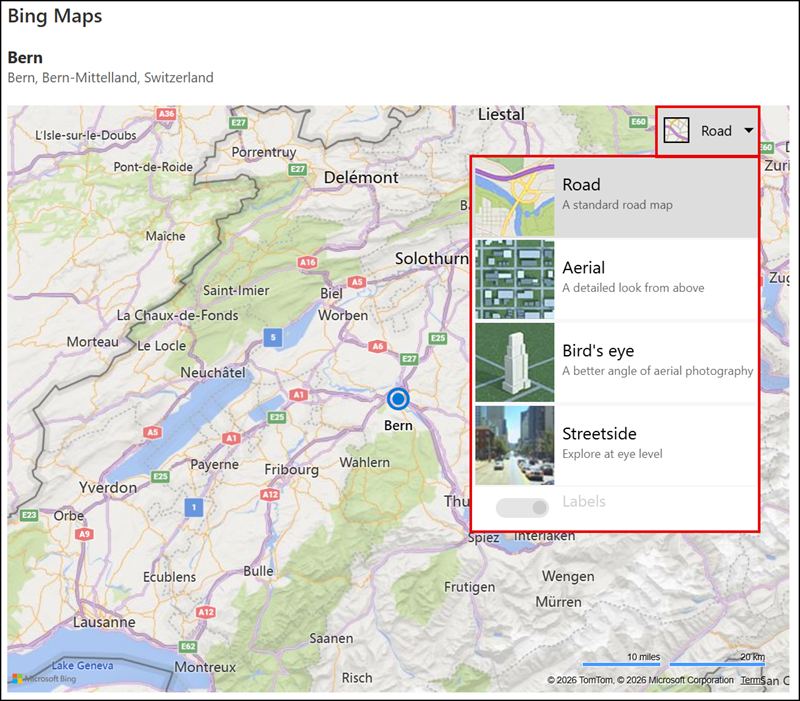
For users using Chinese, Japanese, or Korean, autosuggestions will no longer be available.
Microsoft recommends building a custom SPFx component if any removed capabilities remain a business requirement.
This update also affects the Content Security Policy (CSP) change planned for March 2026.
You likely see several Bing Maps-related URLs if you run CSP violation checks today. These URLs may change or disappear entirely after the Azure Maps transition.